
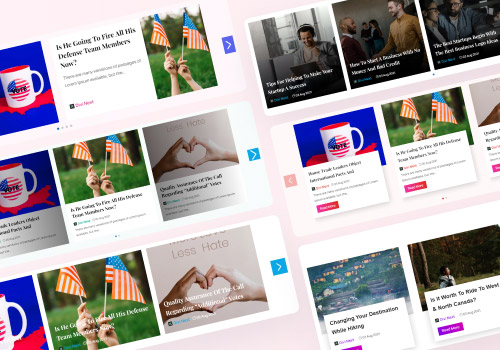
Display your WordPress blog posts in a styled carousel with Divi Post Carousel — choose from 8 layouts, control elements, configure carousel settings, navigation, and effects per slide.
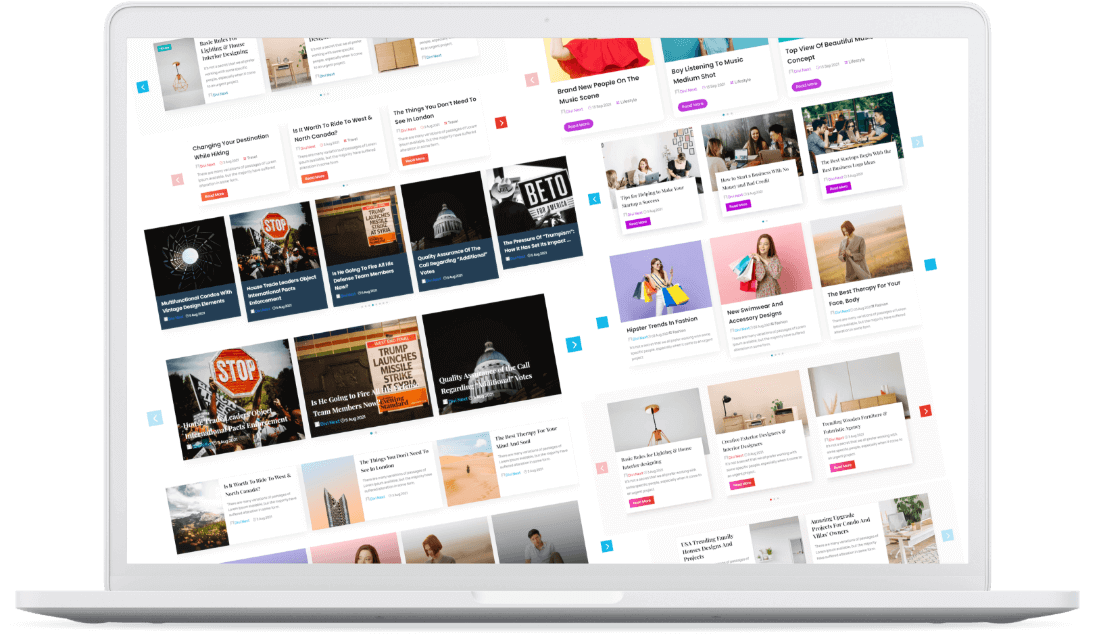
Divi Post Carousel gives you 8 layouts, per-slide element control, navigation options, and effect settings to showcase blog posts beautifully — no coding needed.
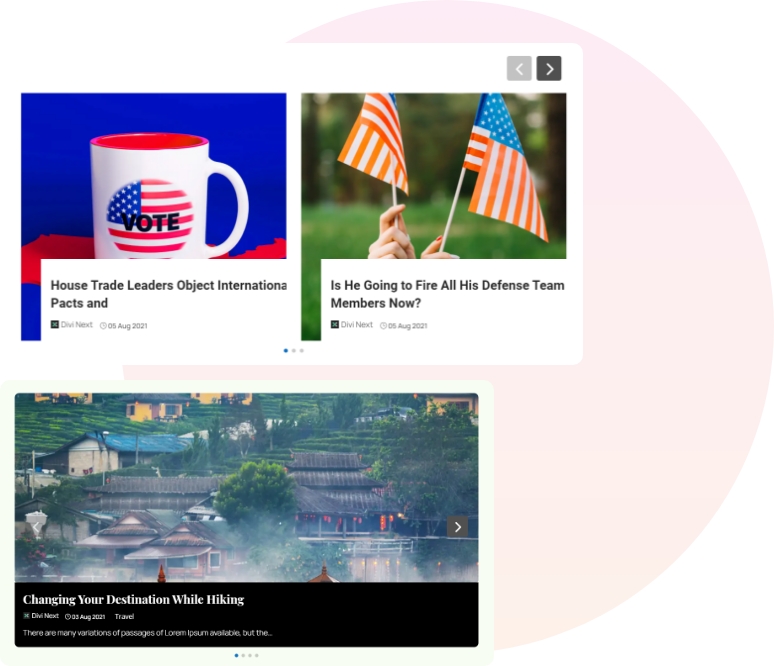
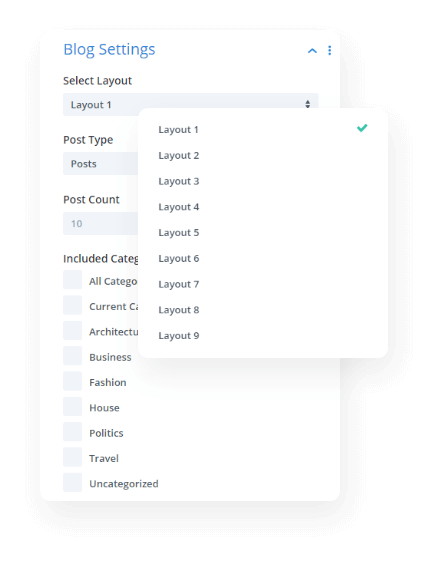
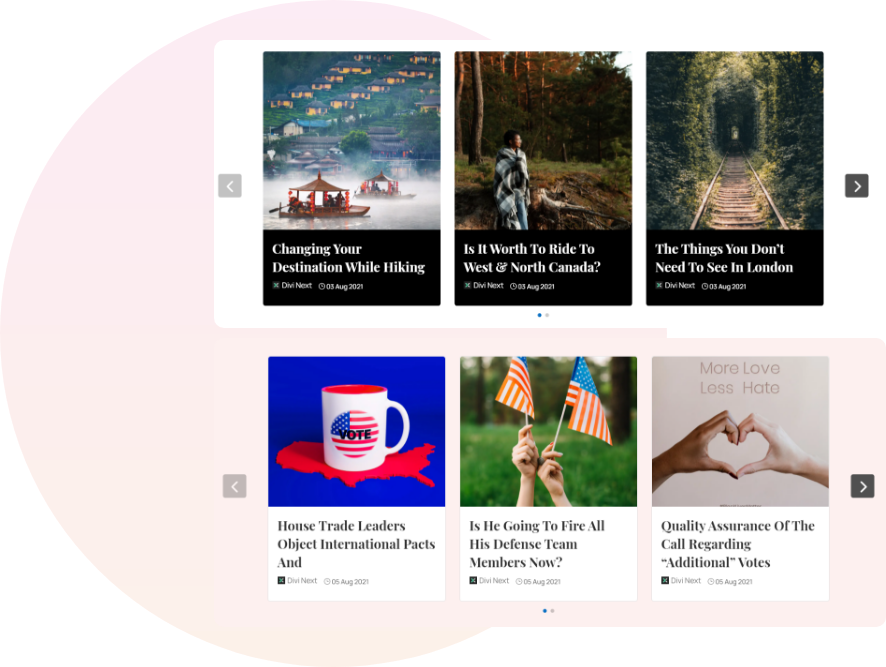
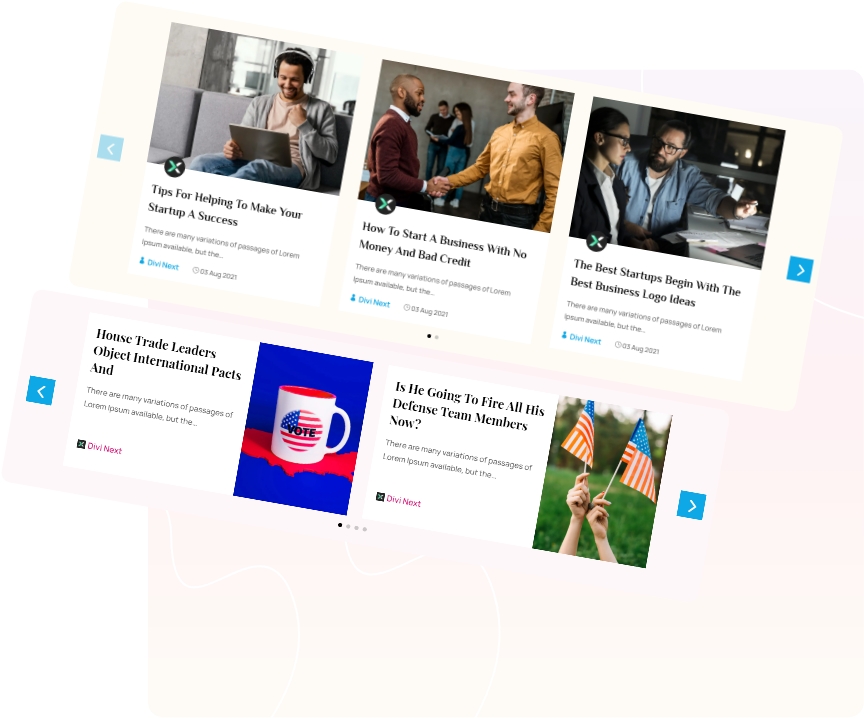
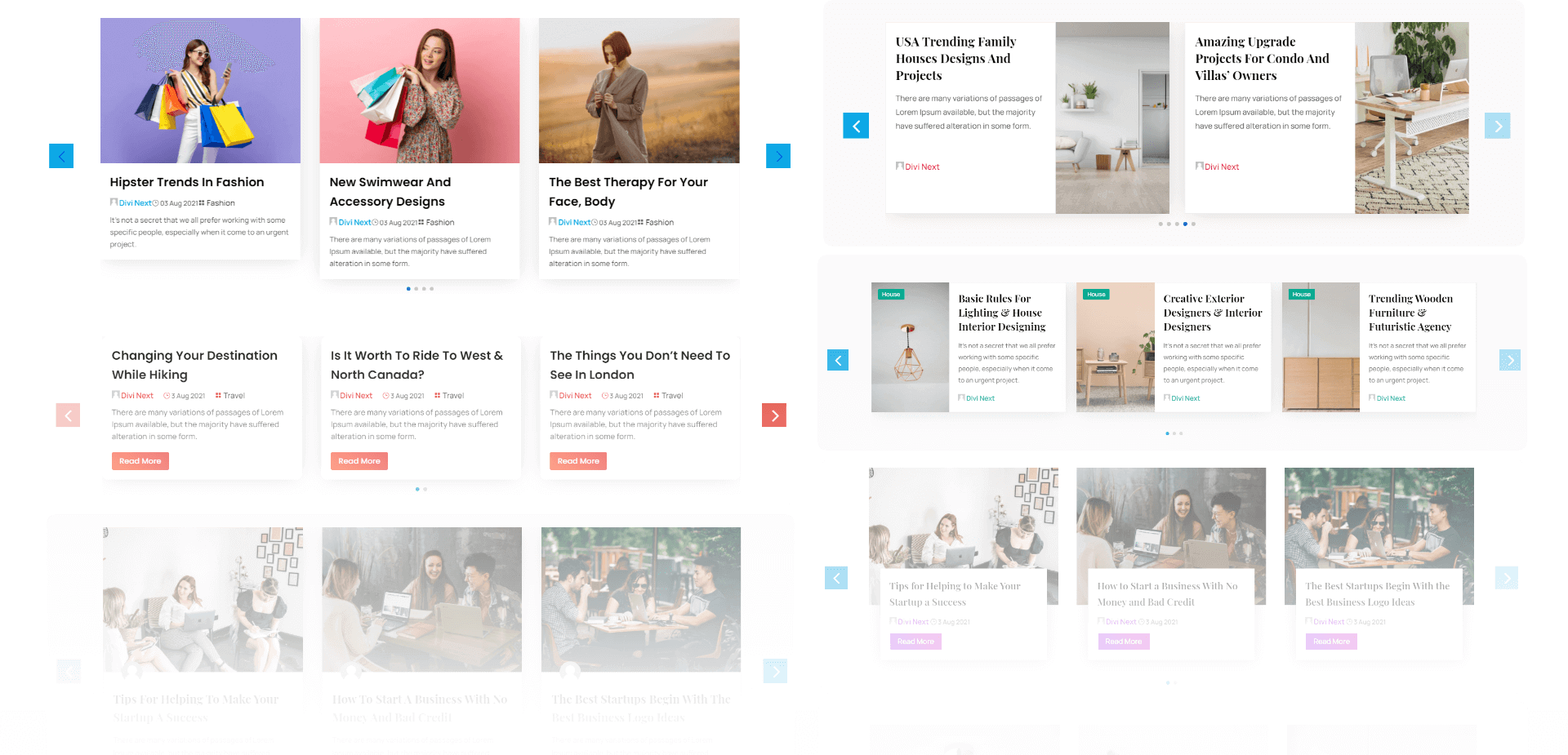
Here we have nine awesome layouts for you to pick from for your website. Each template presents a professional look and feel to the content.
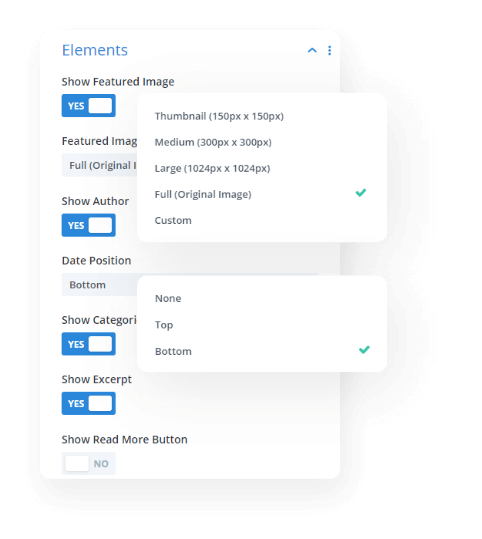
In the Element toggle, you can choose to show Featured Image, Categories, Author, Position, Excerpt, and much more.
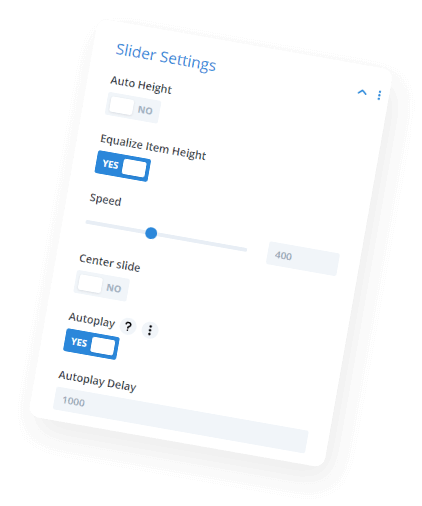
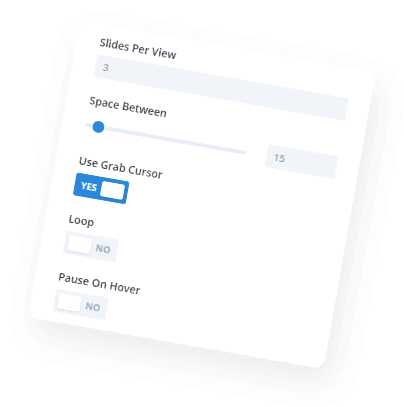
Within the Carousel Settings, adjust the height, speed, and space between the sliding posts.
Add shadow to the posts focusing on the center post. Have content rotate and slide to the center giving it a little fashionable look for the viewers.
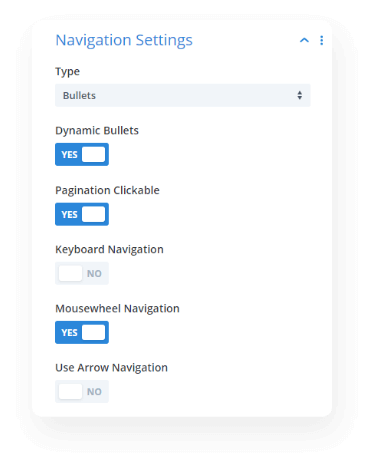
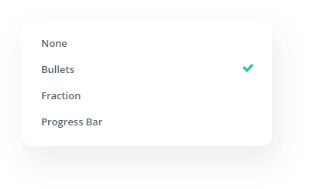
Here you can select Navigation type, and it also includes features like Dynamic Bullet and Arrow, pagination, mouse wheel, and keyboard navigation enabling options.
In conclusion, Post Carousel is great for all to present quality content for the viewers to see.
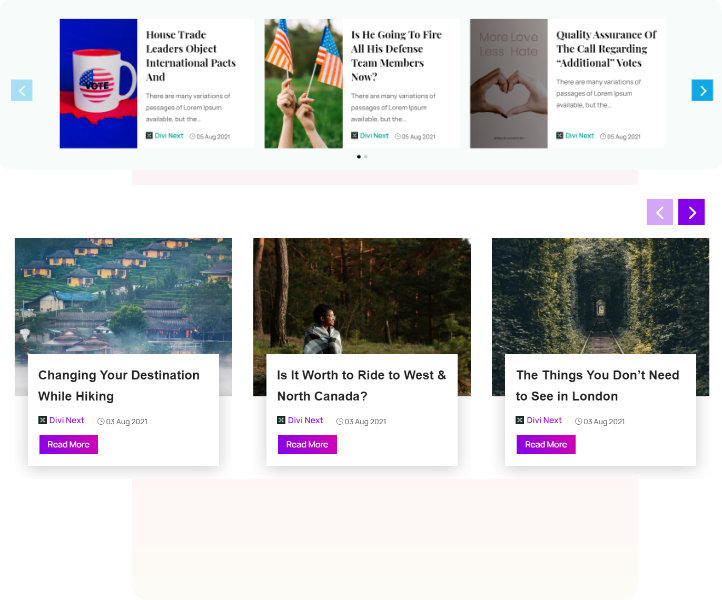
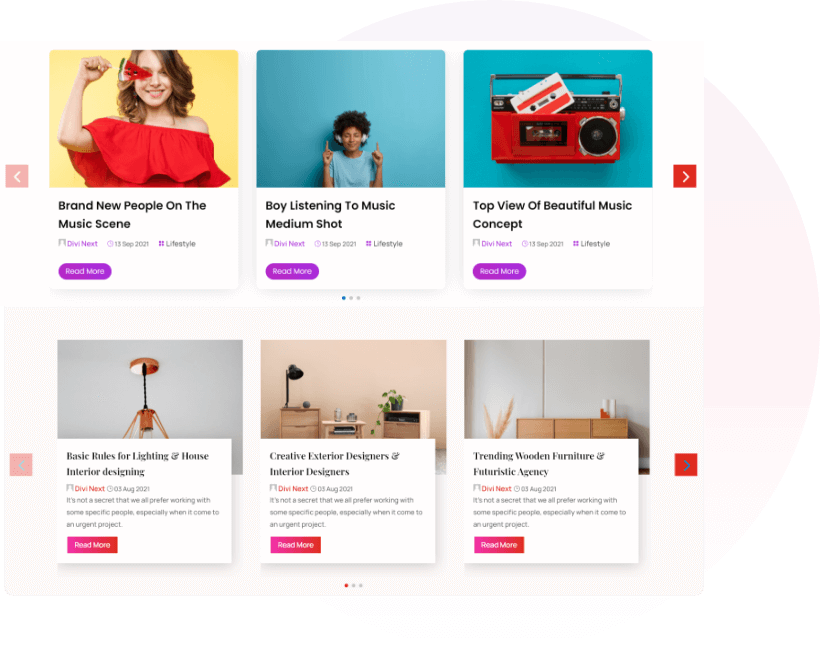
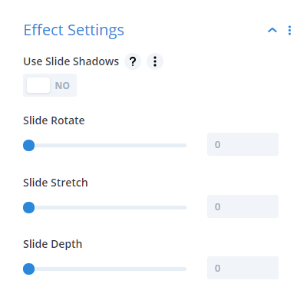
Add shadow to the posts focusing on the center post. Have content rotate and slide to the center giving it a little fashionable look for the viewers.
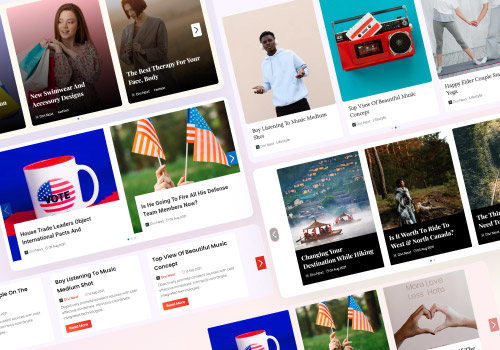
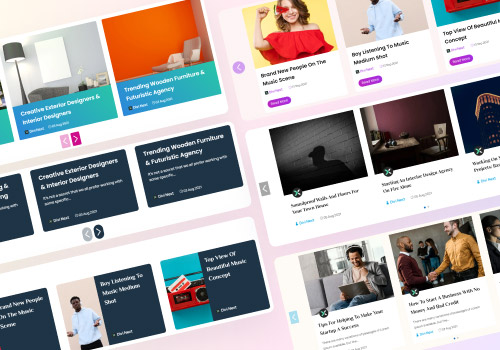
28 Stunning Post Carousel Design

Install Divi Essential and activate the plugin

Drop the Divi Post Carousel module onto your page

Select a layout, configure post and carousel settings, and publish
Frequently Asked Questions
Do you have any questions or concerns? Here is a list of frequently asked questions and their answers that might be helpful.
Divi Essential Help Center or Contact Us.
What is the Divi Post Carousel module?
Divi Post Carousel is a Divi Essential module that displays WordPress blog posts in a carousel. Choose from 8 layouts, control which elements show per post, and configure carousel behavior, navigation, and effects.
What options are available in Post Settings?
Post Settings lets you select from 8 layouts (Layout One through Layout Eight), set post count and offset, filter by included categories, order by Date, Author, ID, Parent, Random, or Title, set sort direction (Ascending or Descending), set date format, and configure content display.
What element controls are available per post?
The Elements section lets you toggle Show Featured Image, set Date Position to None, Top, or Bottom, toggle Show Categories, and toggle Show Read More — each controlled independently per post card.
What carousel settings can I configure?
Carousel Settings includes Auto Height, Equalize Item Height, Speed (default 400), Center Slide, Autoplay, Slide Per View (default 3), Space Between (default 15), Use Grab Cursor, and Loop — all configurable from the Content tab.
What navigation options does the Divi Post Carousel support?
Navigation Settings provides a pagination Type selector — None, Bullets, Fraction, or Progressbar — plus Mousewheel Navigation and Use Arrow Navigation toggles, each enabled or disabled independently.
What effect and link options are available?
Effect Settings includes Use Slide Shadows and sliders for Slide Rotate, Slide Stretch, and Slide Depth. The Link section provides Post Link Target (Same Window or New Window) and a Module Link Target option for the entire carousel module.
✨ More Ways to Enhance Your Divi Experience

Divi Text Marquee
Create scrolling text announcements with smooth animations & custom icons.

Divi Time Count Down
Build urgency with customizable countdown timers for sales & events.

Divi Interactive Circle
Showcase features in stunning circular layouts with interactive animations.

Divi Scroll Stacking Cards
Captivate visitors with scroll-triggered card stacks for features & portfolios.
