
75+ Powerful Divi ModulesDivi Advanced Video
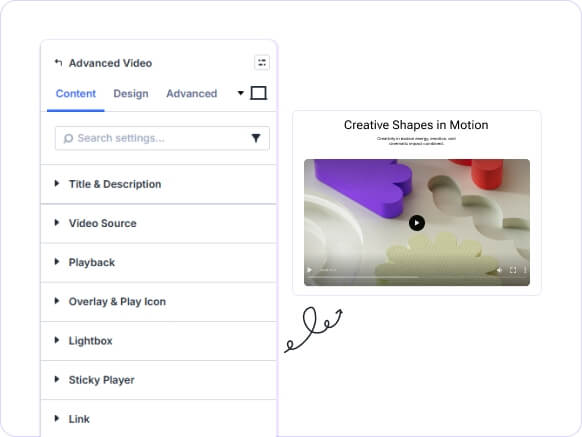
Embed self-hosted or external videos with sticky playback, lightbox, and custom play icons. Set start and end times with full playback controls in Divi 5.
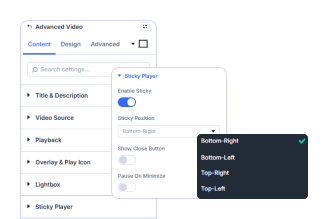
Sticky Player That Follows Users
as they scroll down the page.
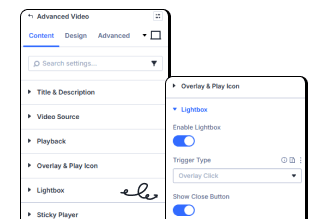
Lightbox Video Playback
with one toggle.
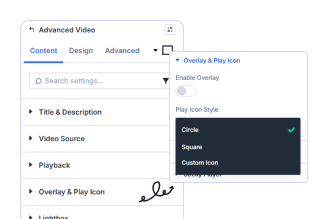
Custom Play Icon Styles
for the play button.
Key FeaturesAdvanced Breadcrumb
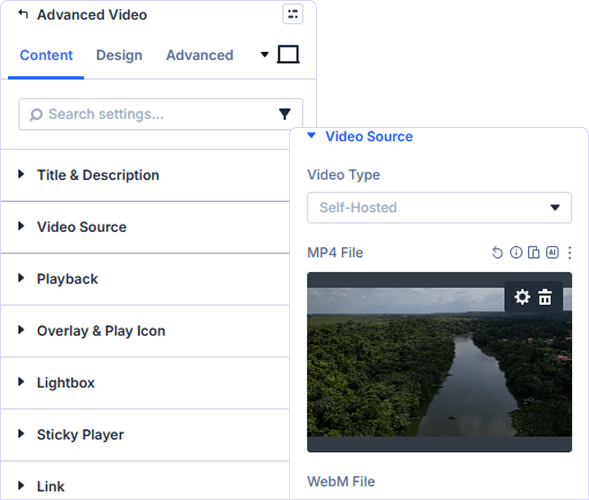
Self-Hosted or Embed URL Support
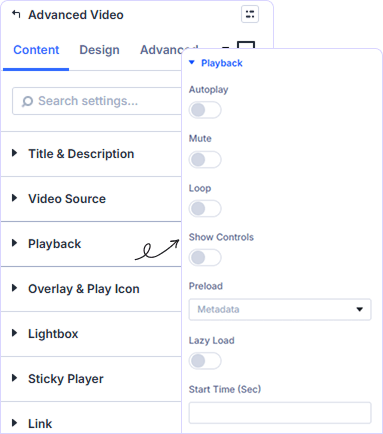
Precise Playback Control Settings
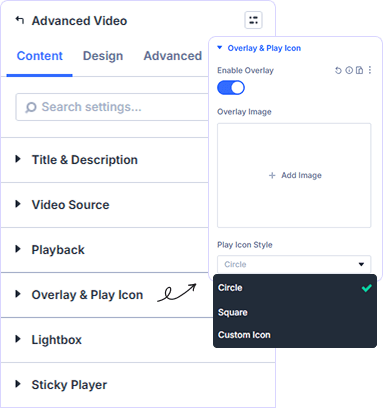
Custom Overlay and Play Icon Style
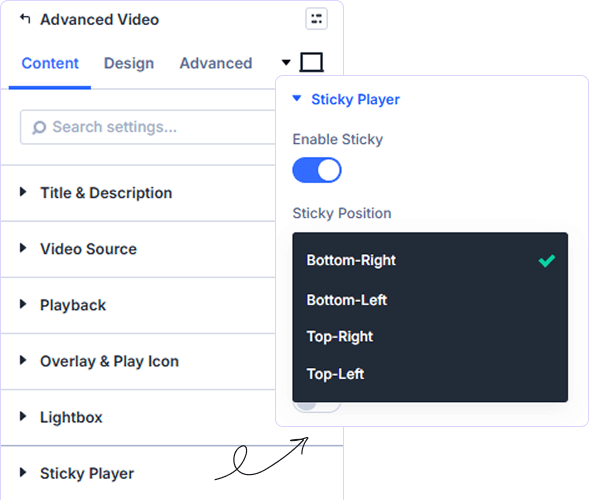
Sticky Player With Its Own Design
prebuild sectionGet Started with Our Pre-made Layouts
Embed, Style, and Stick Your Video!
Frequently Asked Questions
Do you have any questions or concerns? Here is a list of frequently asked questions and their answers that might be helpful.
Divi Essential Help Center or Contact Us.
What video file formats does the module support?
Self-Hosted mode supports MP4, WebM, and OGV files. You can also add a Fallback Video to ensure playback across all browsers and devices automatically.
Can I use an external video instead of uploading a file?
Yes. Switch Video Type to Embed URL and link any external hosted video directly, no file upload required and no coding needed.
How does the Start Time and End Time setting work?
Enter values in seconds to control exactly where playback begins and ends. This is useful for highlighting specific clips within a longer video file. / Set start and end time in seconds to play specific clips from your longer video file easily.
What play icon styles are available for the overlay?
Three styles are available: Circle, Square, and Custom Icon. Each can be styled independently with its own Spacing, Border, and Box Shadow settings.
Does the sticky player have its own design settings?
Yes. The Sticky Wrapper has a dedicated design panel with Spacing, Border, and Box Shadow completely separate from the main module design controls.
Can I open a video in a lightbox instead of inline?
Yes. Enable Lightbox with one toggle and the video opens in an overlay when clicked keeping your page layout clean and the viewing experience focused.
✨ More Ways to Enhance Your Divi Experience

Divi Text Marquee
Create scrolling text announcements with smooth animations & custom icons.

Divi Time Count Down
Build urgency with customizable countdown timers for sales & events.

Divi Interactive Circle
Showcase features in stunning circular layouts with interactive animations.

Divi Scroll Stacking Cards
Captivate visitors with scroll-triggered card stacks for features & portfolios.
Mega Saver Offer!Unlock Endless Design Possibilities with All Access Pass!
Unlock 17+ plugins, 80+ modules, 750+ layouts & more with Divi Next’s All Access Pass! Experience the ultimate Divi builder toolkit. Grab your lifetime access today!
