
Add a beautiful, branded PayPal checkout button to any Divi page. Accept payments instantly, no coding, no complexity, no compromise.

The Divi PayPal Button delivers branded, frictionless checkout with pixel-perfect design control engineered to convert visitors into paying customers.
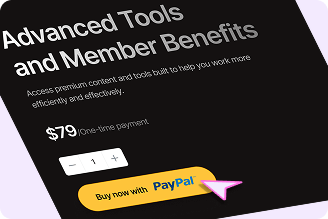
One-Click PayPal Payments
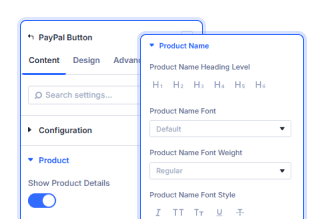
Full Product Customization
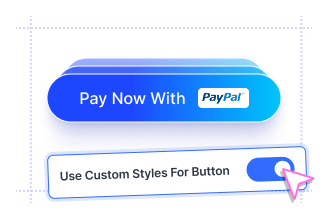
Flexible Control Modes
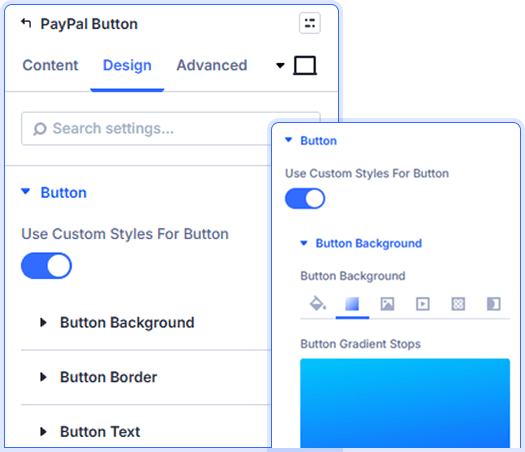
Pixel-Perfect PayPal Payment Button Design
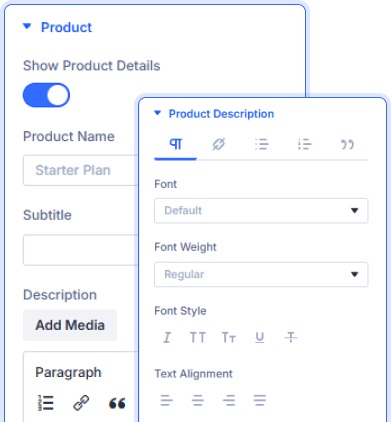
Built-In Product Display Panel
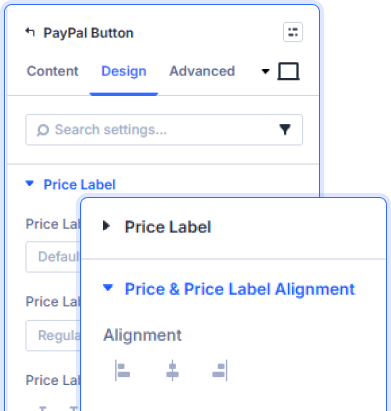
Price & Label Typography Controls
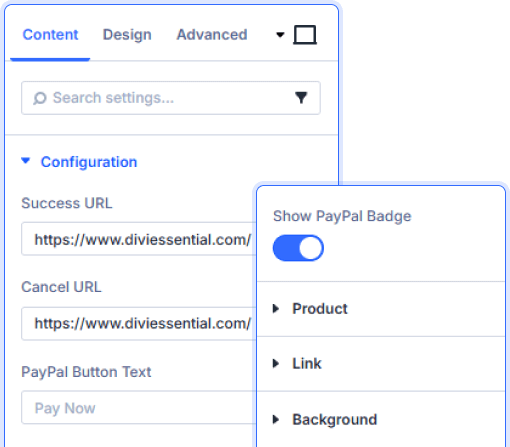
Flexible Checkout Configuration
Set custom success and cancel redirect URLs. Control button text and toggle the PayPal badge on or off to match your page design.
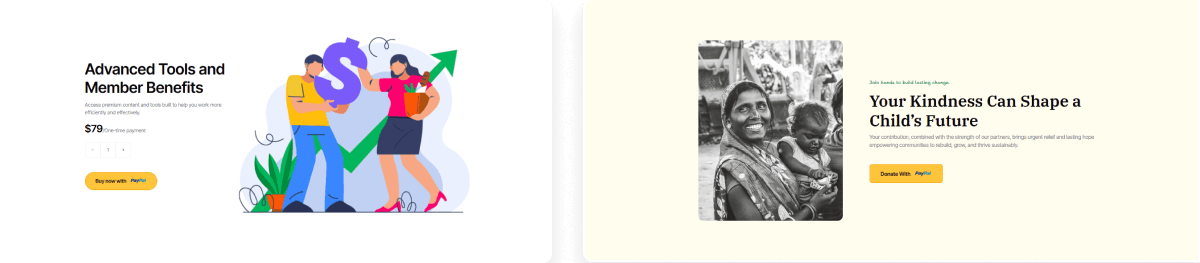

Install Divi Essential and activate your license key

Drop the Divi PayPal Button module onto your page.

Enter your PayPal Client ID and publish your page.
Launch A Stunning Experience, Accept
Payments Beautifully!
Frequently Asked Questions
Do you have any questions or concerns? Here is a list of frequently asked questions and their answers that might be helpful.
Divi Essential Help Center or Contact Us.
Do I need a PayPal account to use this module?
Yes, you’ll need a PayPal account. Simply enter your Sandbox or Live Client ID in the integration settings to enable payments.
Can I style the Divi PayPal button to match my brand?
Absolutely! Enable custom styles to control button background, border, text, spacing, and box shadow—all from the Divi Design tab.
What happens after a successful payment?
You can set a custom Success URL to redirect customers to a thank-you page with Divi PayPal button. A Cancel URL handles abandoned checkouts gracefully.
Can I display product details alongside the button?
Yes! Enable Show Product Details to display a product name, subtitle, description, quantity selector, price, and price label above the button.
Is the PayPal badge on the button required?
No. You can toggle the PayPal badge on or off from the Content tab to match your design preferences.
Does the module work in sandbox mode for testing?
Yes! Enter your Sandbox Client ID to test your checkout flow safely before going live with your Live Client ID.
✨ More Ways to Enhance Your Divi Experience

Divi Text Marquee
Create scrolling text announcements with smooth animations & custom icons.

Divi Time Count Down
Build urgency with customizable countdown timers for sales & events.

Divi Interactive Circle
Showcase features in stunning circular layouts with interactive animations.

Divi Scroll Stacking Cards
Captivate visitors with scroll-triggered card stacks for features & portfolios.
