
Create eye-catching scrolling text announcements, news tickers, and promotional banners that grab attention. Perfect for displaying important updates, special offers, breaking news, or featured content with smooth animations—no coding required.
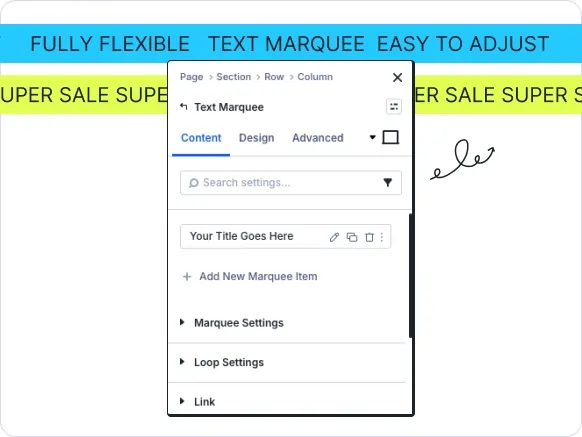
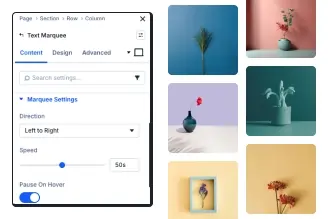
Smooth Scrolling Animation
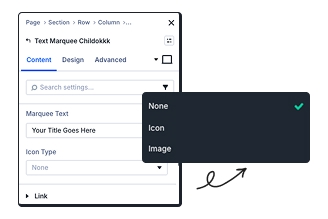
Add Icons or Images
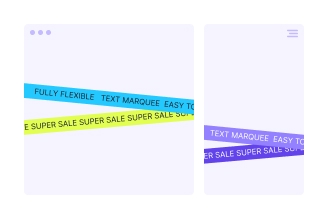
Fully Responsive Design
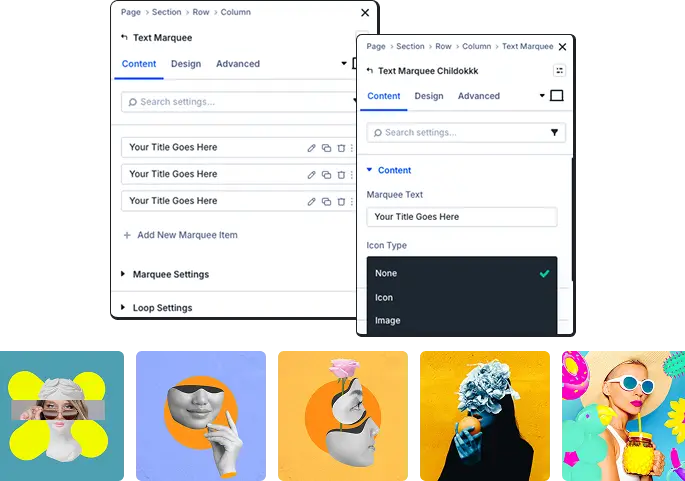
Create Engaging Scrolling Messages
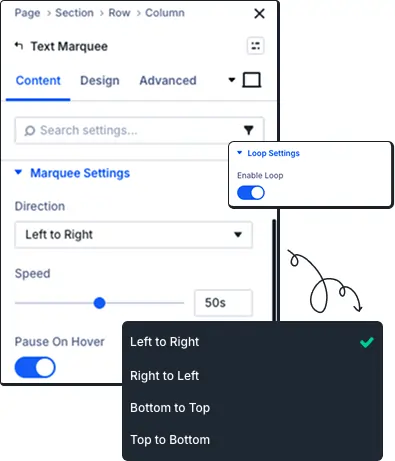
Animation Control
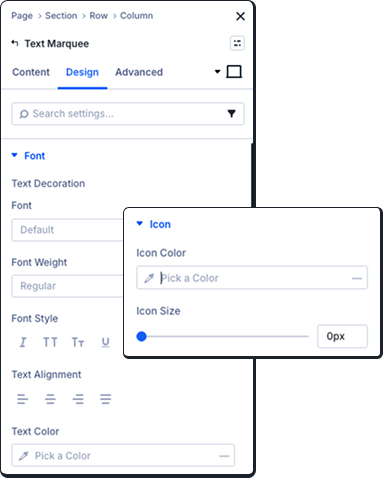
Design Text Displays
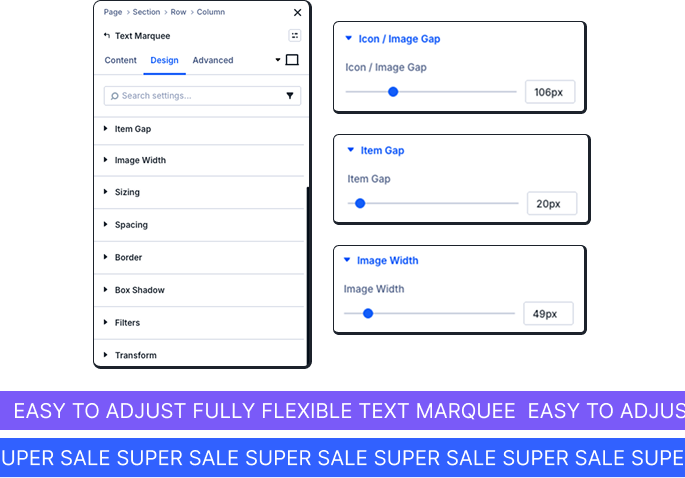
Professional Positioning & Effects
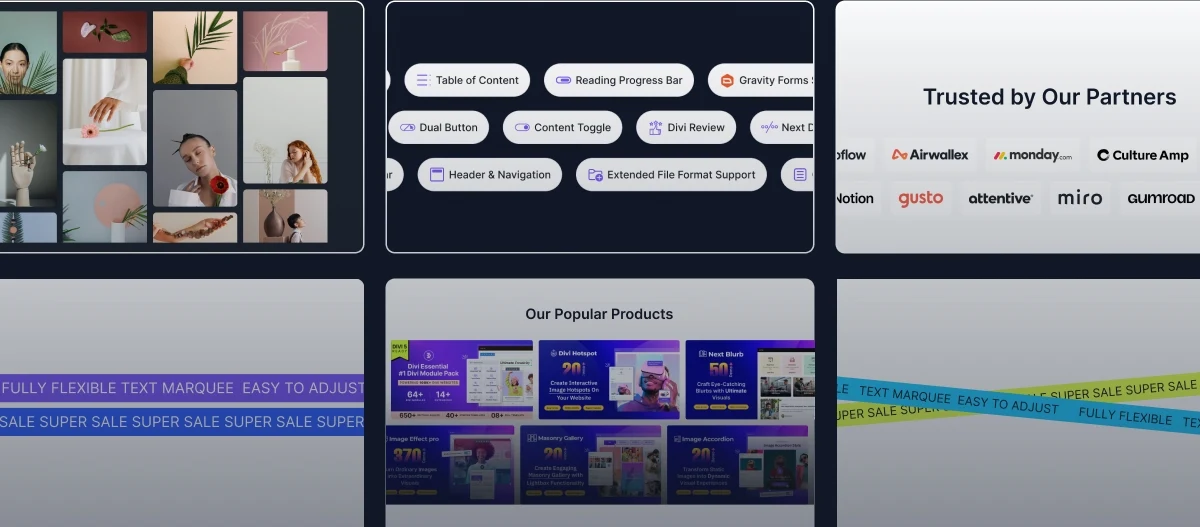
Create Professional Marquee Announcements In Minutes!
Frequently Asked Questions
Do you have any questions or concerns? Here is a list of frequently asked questions and their answers that might be helpful.
Divi Essential Help Center or Contact Us.
What's the best use case for the Text Marquee module?
Perfect for scrolling announcements, news tickers, promotional offers, event countdowns, featured testimonials, or important updates. Works great in headers, above footers, or between content sections.
Can I control the speed and direction of the scrolling text?
Yes! Choose from four directions (left to right, right to left, top to bottom, bottom to top), adjust scroll speed with a slider, enable pause on hover, and activate loop mode for continuous scrolling.
Can I add icons or images to my marquee text?
Absolutely! Choose from hundreds of built-in icons or upload custom images. Control icon color, size, spacing, and adjust gaps between icons/images and text for perfect visual balance.
Do I need Divi 5 to use the Text Marquee Module?
Yes, the Text Marquee module is built for Divi 5 users. You'll get enhanced performance, improved animations, and additional styling features available in Divi 5.
Is the Text Marquee module mobile responsive?
Yes, fully responsive with separate controls for desktop, tablet, and mobile. Customize font sizes, spacing, and animation speed per device for optimal mobile experience.
Can I make the marquee clickable or add links to individual items?
Yes! Add a Module Link URL to make the entire marquee clickable. Control whether links open in the current tab or new tab—perfect for driving traffic to offers or landing pages.

Documentation
Learn about our plugins. Find guides, manuals, and API references here

Customer Support

Resources and Blog
✨ More Ways to Enhance Your Divi Experience

Data Table
Create interactive, customizable tabbed content with responsive design features.

Contact Form 7 Styler
Customize and style your contact forms with advanced design & layout options.

Table of Contents
Create stunning scrolling text effects with masking options & animation effect.
