
90+ Powerful Divi ModulesDivi Data Table
Transform raw CSV data into stunning, interactive tables with advanced search, sorting, and pagination. Build professional data displays in minutes—no coding required.
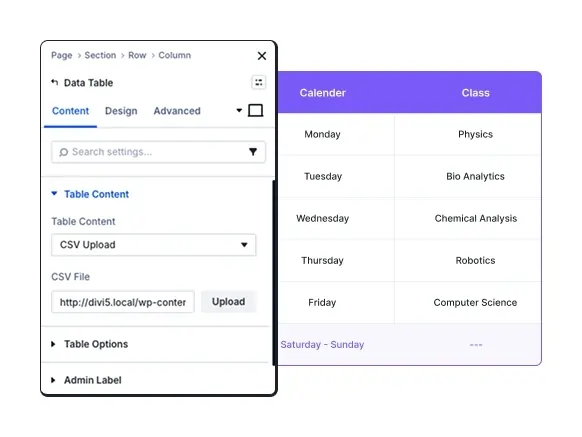
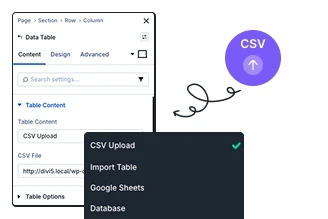
Instant Data Import
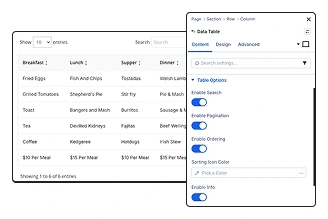
Advanced Data Interactions
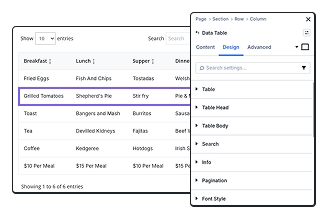
Complete Design Freedom
Key FeaturesAdvanced Data Table
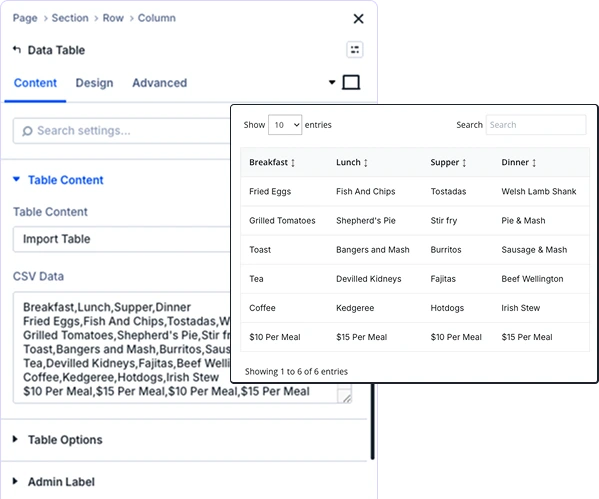
Complete Control Over Table Layout
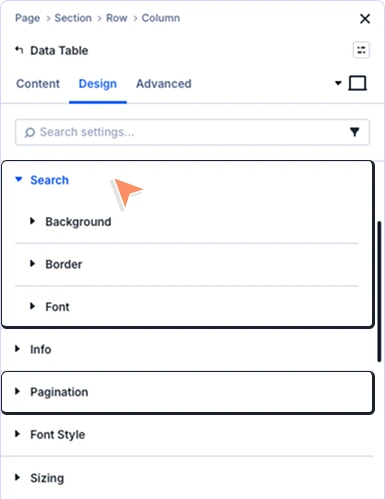
Search & Pagination
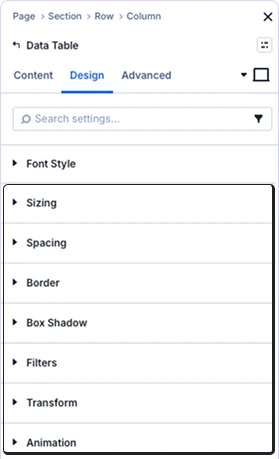
Professional Polish and Visual Effects
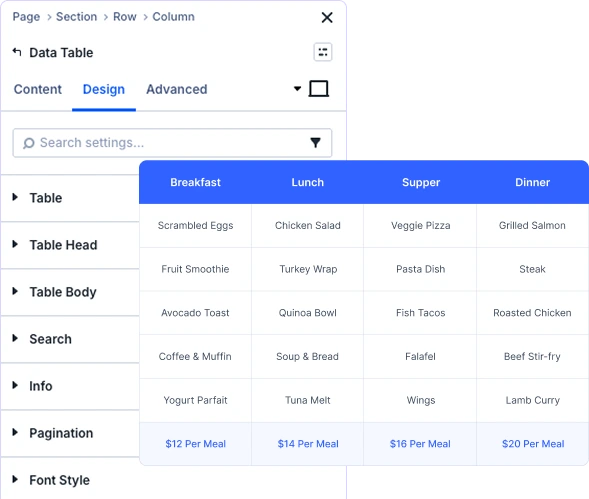
Complete Control Over Table Layout
prebuild sectionGet Started with Our Pre-made Layouts
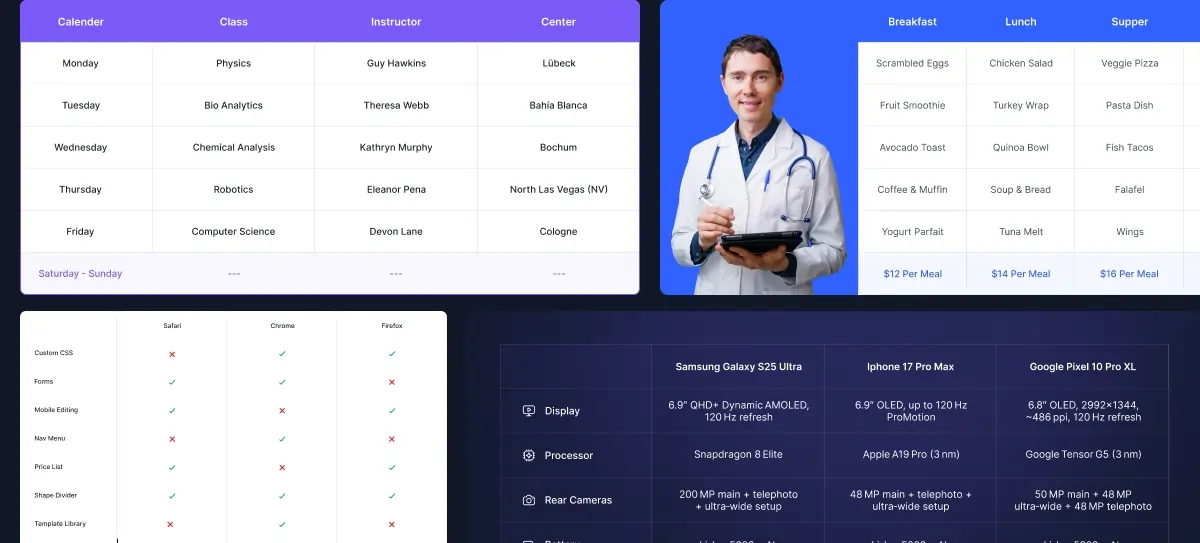
Create Professional Tables In Minutes!
Frequently Asked Questions
Do you have any questions or concerns? Here is a list of frequently asked questions and their answers that might be helpful.
Divi Essential Help Center or Contact Us.
What file formats does the Data Table module support?
The module currently supports CSV (Comma-Separated Values) files. Simply upload your CSV file through the Visual Builder, and the table will automatically populate with your data.
Can visitors search and filter the table data?
Absolutely! You can enable search functionality that allows visitors to search across all columns in real-time. You can also enable column sorting and pagination for large datasets.
Is the Data Table module responsive?
Yes, all tables are fully responsive with separate styling controls for desktop, tablet, and mobile devices. You can choose between scrolling or stacking columns on smaller screens.
Can I style odd and even rows differently?
Yes! The module includes zebra striping functionality with separate background controls for odd and even rows, making large tables easier to read.
Does it support multi-language websites?
Yes, the module includes multi-language support. You can translate search placeholders, pagination labels, and info text to match your site’s language.
Can I customize the number of rows shown per page?
Absolutely! You have full control over pagination settings, including the number of rows displayed per page and the pagination style.
Do I need Divi 5 to use the Data Table module?
Yes, this module is built for Divi 5 and takes advantage of enhanced performance features and the improved Visual Builder interface.
Can I reuse table styles across different pages?
Yes! Use Divi’s preset system to save your table designs and apply them across your entire website with one click, ensuring consistent styling.
Helpful Articles, Tutorials & More

Documentation
Learn about our plugins. Find guides, manuals, and API references here

Customer Support

Resources and Blog
✨ More Ways to Enhance Your Divi Experience

Divi Text Marquee
Create scrolling text announcements with smooth animations & custom icons.

Divi Time Count Down
Build urgency with customizable countdown timers for sales & events.

Divi Interactive Circle
Showcase features in stunning circular layouts with interactive animations.

Divi Scroll Stacking Cards
Captivate visitors with scroll-triggered card stacks for features & portfolios.
Mega Saver Offer !Unlock Endless Design Possibilities with All Access Pass!
Unlock 17+ plugins, 110+ modules, 880+ layouts & more with Divi Next’s All Access Pass! Experience the ultimate Divi builder toolkit. Grab your lifetime access today!

