
90+ Powerful Divi ModulesDivi Interactive Circle
Create stunning circular layouts with interactive animations. Perfect for showcasing features, processes, services, and team members in Divi 5.
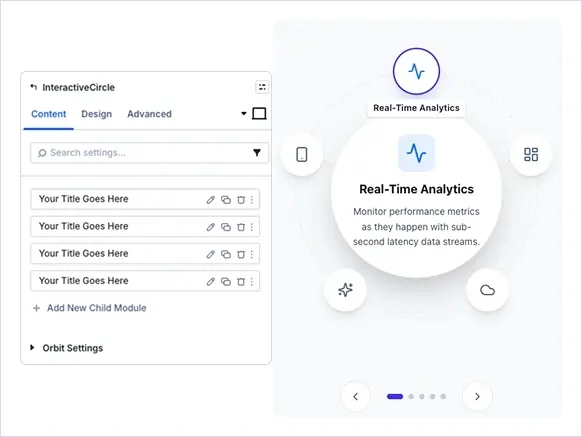
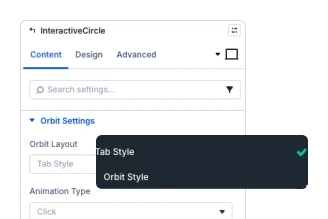
Two Layout Styles
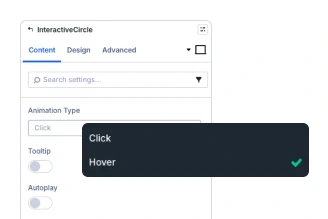
Click & Hover Animations
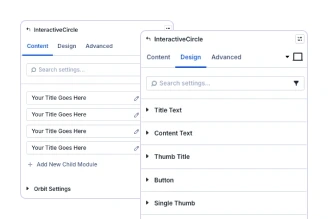
Complete Design Control
Key FeaturesAdvanced Interactive Circle
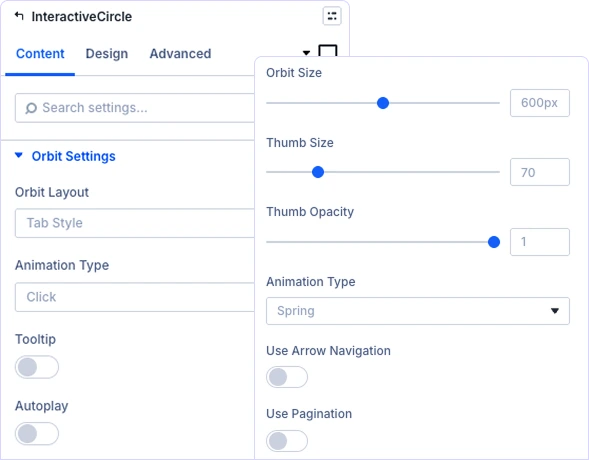
Tab Style & Orbit Style Circular Designs
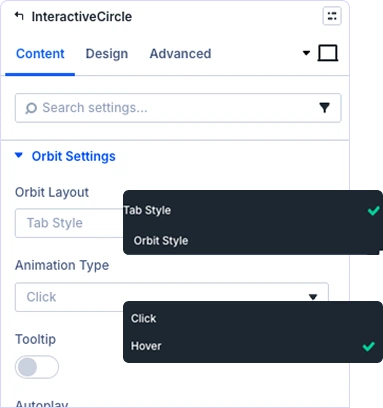
Engaging Click & Hover Interactions
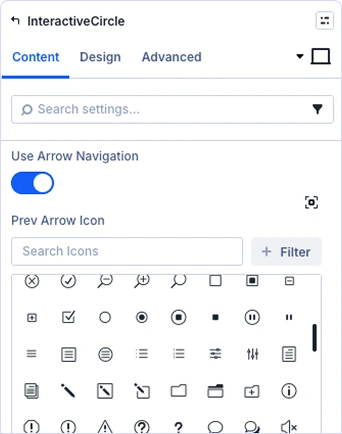
Customizable Navigation Elements
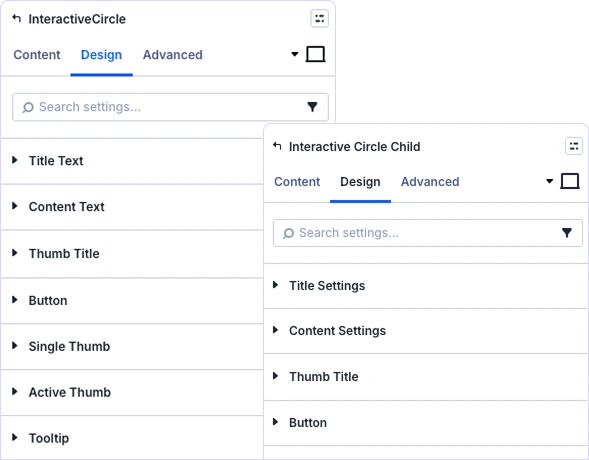
Complete Control Over Center Content
prebuild sectionGet Started with Our Pre-made Layouts
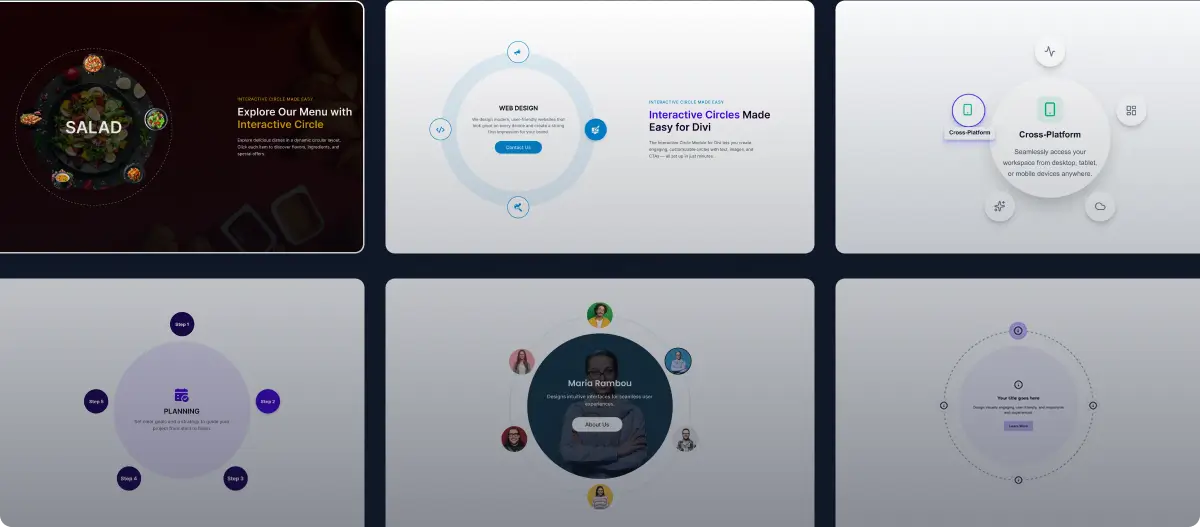
Build interactive circular layouts in minutes!
Frequently Asked Questions
Do you have any questions or concerns? Here is a list of frequently asked questions and their answers that might be helpful.
Divi Essential Help Center or Contact Us.
What’s the difference between Tab Style and Orbit Style?
Perfect for scrolling announcements, news tickers, promotional offers, event countdowns, featured testimonials, or important updates. Works great in headers, above footers, or between content sections.
Can I customize each circular thumb independently?
Yes! Choose from four directions (left to right, right to left, top to bottom, bottom to top), adjust scroll speed with a slider, enable pause on hover, and activate loop mode for continuous scrolling.
What animation types are supported?
Supports click and hover animations. Enable autoplay, pagination dots, arrow navigation, or combine all three.
Can I add tooltips to circular navigation?
Yes, the Text Marquee module is built for Divi 5 users. You’ll get enhanced performance, improved animations, and additional styling features available in Divi 5.
Is the module responsive on mobile devices?
Yes, fully responsive with separate controls for desktop, tablet, and mobile. Customize font sizes, spacing, and animation speed per device for optimal mobile experience.
Can I control the center content design?
Yes! Add a Module Link URL to make the entire marquee clickable. Control whether links open in the current tab or new tab—perfect for driving traffic to offers or landing pages.
Helpful Articles, Tutorials & More

Documentation
Learn about our plugins. Find guides, manuals, and API references here

Customer Support
Need help? Talk to our experts! Email us at support@divinext.com

Resources and Blog
Stay updated with news, insights, and best practices for our plugins.
✨ More Ways to Enhance Your Divi Experience

Divi Text Marquee
Create scrolling text announcements with smooth animations & custom icons.

Divi Time Count Down
Build urgency with customizable countdown timers for sales & events.

Divi Scroll Stacking Cards
Captivate visitors with scroll-triggered card stacks for features & portfolios.
Mega Saver Offer !Unlock Endless Design Possibilities with All Access Pass!
Unlock 17+ plugins, 110+ modules, 880+ layouts & more with Divi Next’s All Access Pass! Experience the ultimate Divi builder toolkit. Grab your lifetime access today!

