
75+ Powerful Divi ModulesDivi Rotating Text
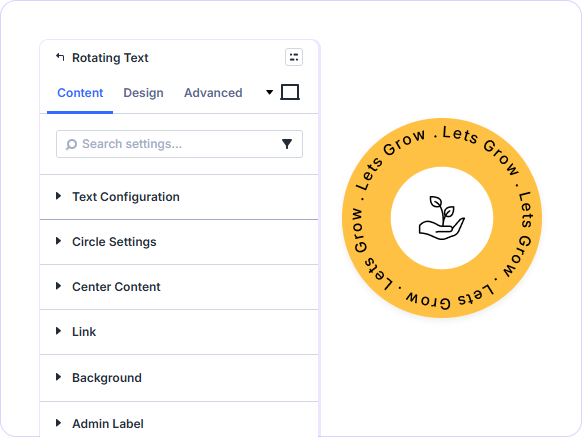
Display phrases in a continuous circular rotation. Set direction, speed, circle size, and center content all styled with full typography control in Divi 5.
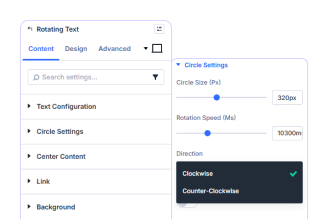
Clockwise or Counter-Clockwise
Rotate clockwise or counter-clockwise at any speed.
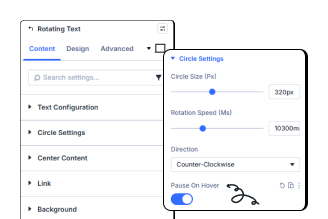
Pause on Hover Control
Instantly pause rotation when visitors hover over it.

Center Content Toggle
Show or hide content inside the circle with one toggle.
Key FeaturesAdvanced Video
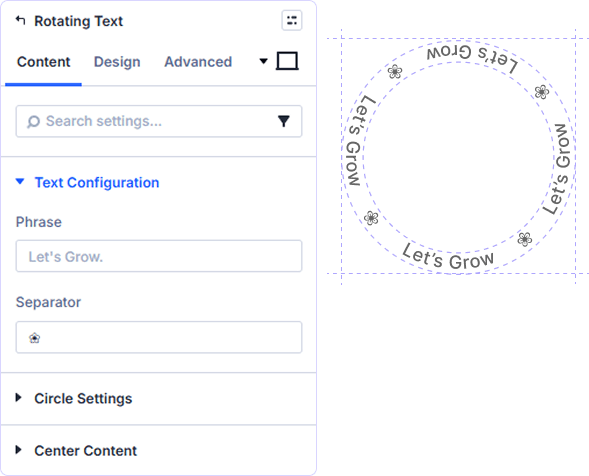
Custom Phrase and Separator Text
Type any phrase and define a custom separator character that repeats around the circle. The phrase loops continuously as the ring rotates.
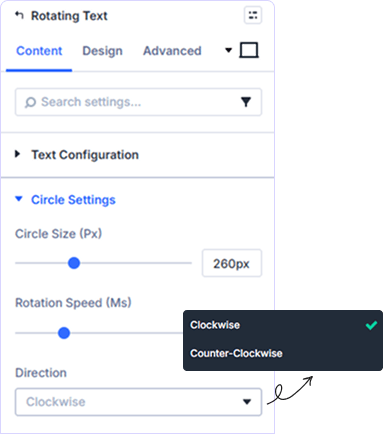
Precise Circle Size and Speed
Set Circle Size in pixels and Rotation Speed in milliseconds. Choose rotation direction and toggle Pause On Hover for interactive visitor control.
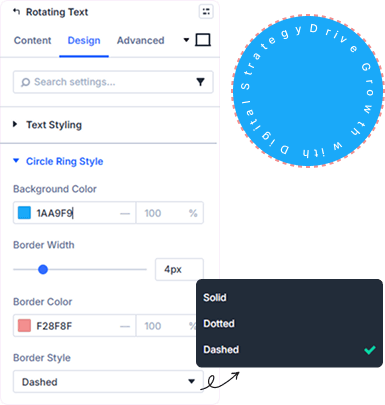
Full Circle Ring Styling Control
Set Background Color, Border Width, Border Color, and Border Style for the ring fully separate from the rotating text design controls.
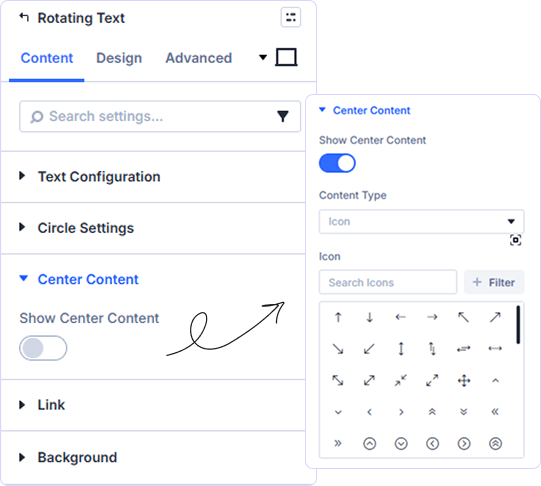
Toggle Center Content On or Off
Enable Show Center Content to display elements inside the rotating circle. Combine with other Divi modules to place logos or icons at the ring center.
prebuild sectionGet Started with Our Pre-made Layouts

Add Rotating Text to Any Divi Page!
Frequently Asked Questions
Do you have any questions or concerns? Here is a list of frequently asked questions and their answers that might be helpful.
Divi Essential Help Center or Contact Us.
Can I set the rotation speed to any value?
Yes. Rotation Speed is set in milliseconds — a lower value spins faster, a higher value slower. The default is 10000ms for a smooth continuous loop.
What directions can the rotating text move?
Two directions are available — Clockwise and Counter-Clockwise. Switch anytime without affecting your other circle size or speed settings.
What exactly does the Separator setting do?
Adds a custom separator between each repeated phrase, creating clean spacing in rotating circle text.
Can visitors pause the animation on hover?
Yes. Pause On Hover stops the rotation when visitors hover over the circle ideal for interactive or attention-grabbing design elements on your page.
What can I place inside the rotating circle?
Enable Show Center Content to place any element inside the circle — a logo, icon, image, or button — turning the rotating text ring into a branded badge.
Can I style the circle ring separately from the text?
Yes. Circle Ring Style has its own panel with Background Color, Border Width, Border Color, and Border Style — separate from all text styling controls.
✨ More Ways to Enhance Your Divi Experience

Divi Text Marquee
Create scrolling text announcements with smooth animations & custom icons.

Divi Time Count Down
Build urgency with customizable countdown timers for sales & events.

Divi Interactive Circle
Showcase features in stunning circular layouts with interactive animations.

Divi Scroll Stacking Cards
Captivate visitors with scroll-triggered card stacks for features & portfolios.
Mega Saver Offer!Unlock Endless Design Possibilities with All Access Pass!
Unlock 17+ plugins, 80+ modules, 750+ layouts & more with Divi Next’s All Access Pass! Experience the ultimate Divi builder toolkit. Grab your lifetime access today!
