
75+ Powerful Divi ModulesDivi Stacked Images
Create stunning visual comparisons with stacked image layouts. Perfect for showcasing features, before/after transformations, and product highlights in Divi 5.
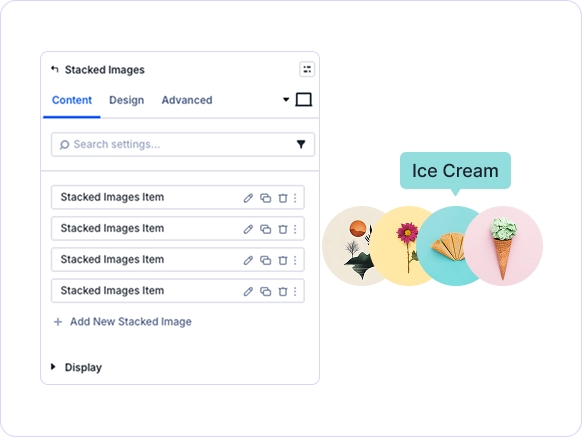
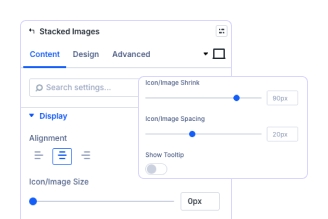
Flexible Stacking Directions
Control direction, spacing, & alignment.
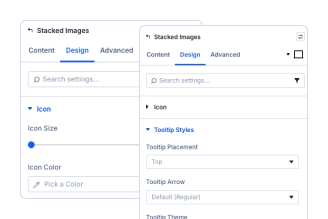
Icon & Tooltip Customization
stacked image.
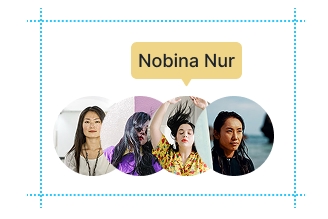
Complete Design Control
Key FeaturesAdvanced Stacked Images
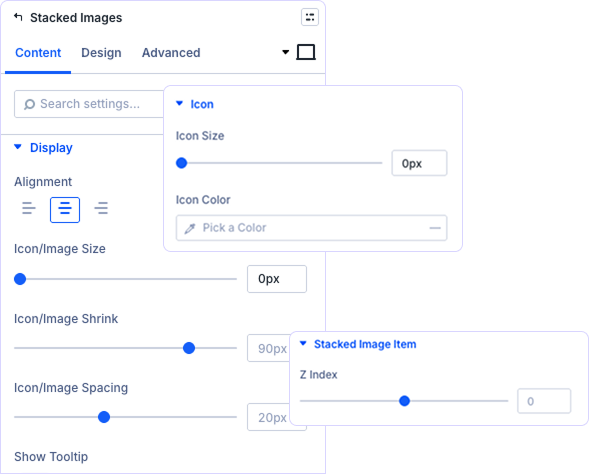
Horizontal & Vertical Layout Options
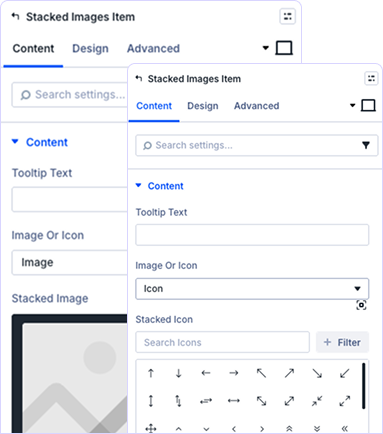
Interactive Visual Guidance Elements
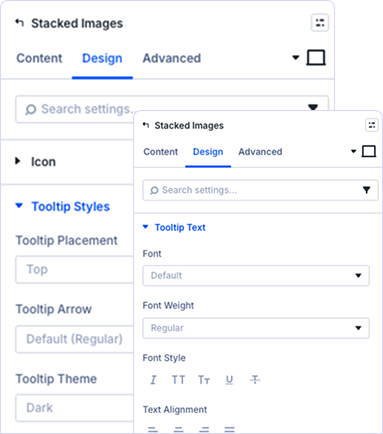
Complete Tooltip Text Customization
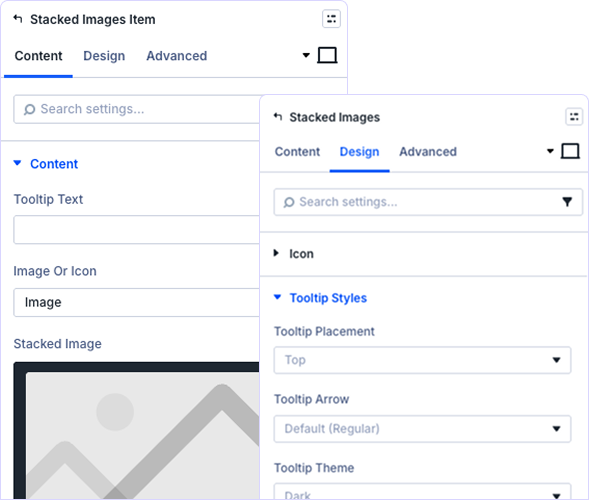
Flexible Image & Icon Configuration
Choose between icons or custom images for each element. Upload images, control sizing, manage spacing, and configure link URLs with custom targets.
prebuild sectionGet Started with Our Pre-made Layouts
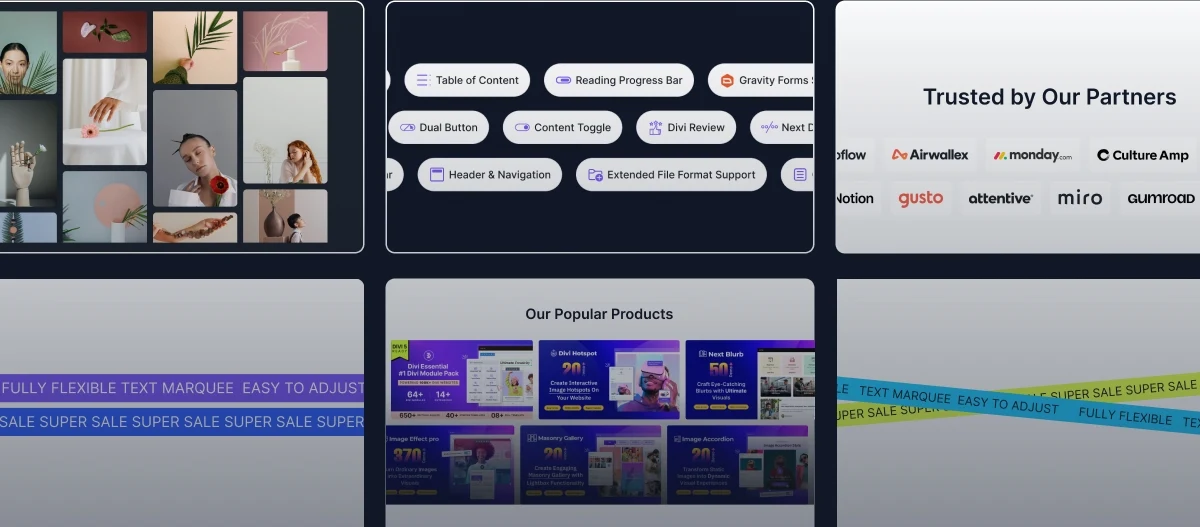
Build stunning image stacks in minutes!
Frequently Asked Questions
Do you have any questions or concerns? Here is a list of frequently asked questions and their answers that might be helpful.
Divi Essential Help Center or Contact Us.
What is the Stacked Images module used for?
Creates visual comparisons by stacking images. Perfect for before/after, product features, portfolios, and multi-step processes.
Can I stack images horizontally or vertically?
Yes! Supports both directions. Control stacking direction, size, spacing, and alignment for perfect layouts.
How do I add tooltips to stacked images?
Enable “Show Tooltip” option. Customize placement, arrow styles, themes, and text with full typography control.
Can I use custom icons or images?
Yes! Choose between icons or custom images. Upload images, control sizes, and manage spacing.
Is the stacked images module responsive?
Yes! Fully responsive with separate controls for desktop, tablet, and mobile devices.
Can I add links to individual stacked images?
Yes! Each item supports custom URLs. Configure link targets and add accessibility labels.
✨ More Ways to Enhance Your Divi Experience

Divi Text Marquee
Create scrolling text announcements with smooth animations & custom icons.

Divi Time Count Down
Build urgency with customizable countdown timers for sales & events.

Divi Interactive Circle
Showcase features in stunning circular layouts with interactive animations.

Divi Scroll Stacking Cards
Captivate visitors with scroll-triggered card stacks for features & portfolios.
Mega Saver Offer!Unlock Endless Design Possibilities with All Access Pass!
Unlock 17+ plugins, 80+ modules, 750+ layouts & more with Divi Next’s All Access Pass! Experience the ultimate Divi builder toolkit. Grab your lifetime access today!

