
90+ Powerful Divi ModulesDivi Time Countdown
Create urgency and boost conversions with stunning Divi countdown timers. Perfect for sales, product launches, events, and limited-time offers—fully customizable with the countdown timer Divi 5 visual builder.
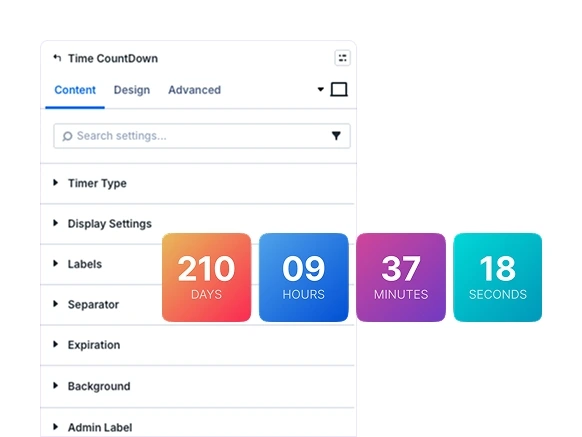
Seamless Timer Integration
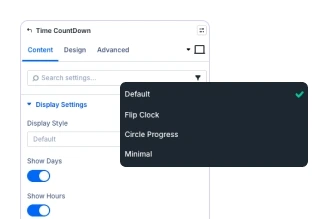
Choose from 4 display styles: Default, Flip Clock, Circle, or Minimal for any campaign.
Evergreen & Fixed Timers
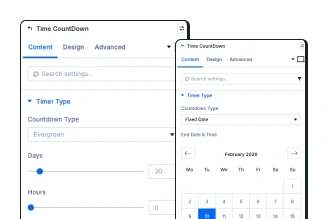
Set evergreen countdowns or fixed-date timers. Perfect for sales, product launches.
Complete Customization
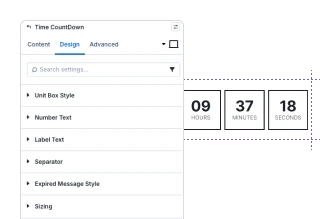
Style every element with full typography, colors & More in Divi’s Visual Builder.
Key FeaturesAdvanced Time Countdown
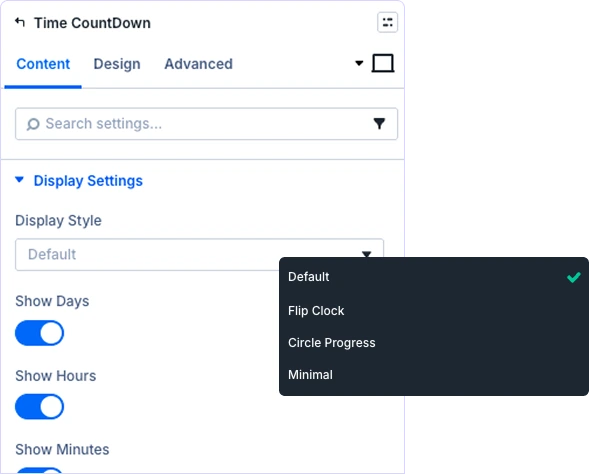
Four Stunning Timer Layouts
Choose from Default (boxed units), Flip Clock (animated flipping), Circle Progress (circular countdown), or Minimal (clean typography) styles. Each style is fully customizable with unique design controls.
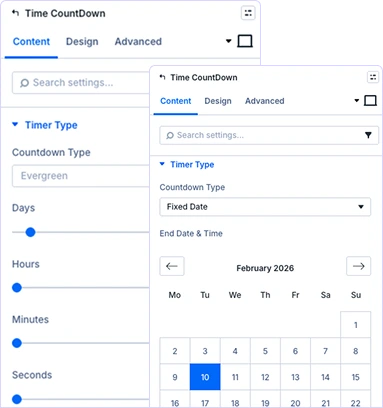
Flexible Countdown Configuration
Select evergreen countdown (resets per visitor) or fixed-date timers (ends at specific time). Set precise durations with days, hours, minutes, and seconds for any campaign.
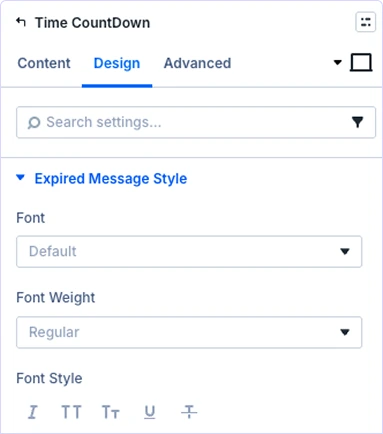
Custom Expiration Messages
Display compelling messages when timers expire. Design CTAs, special offers, or redirect visitors to maintain engagement after countdown ends.
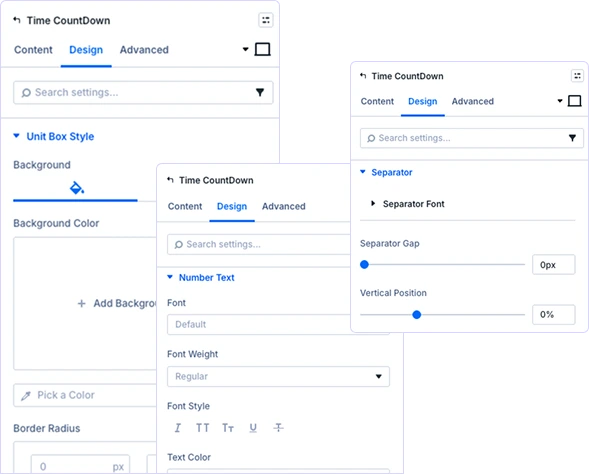
Complete Visual Customization
Toggle visibility for time units independently. Customize backgrounds, borders, typography, and separators. Design number and label text separately for maximum flexibility.
prebuild sectionGet Started with Our Pre-made Layouts

Build stunning Divi countdown timers in minutes!
Frequently Asked Questions
Do you have any questions or concerns? Here is a list of frequently asked questions and their answers that might be helpful.
Divi Essential Help Center or Contact Us.
What display styles are available in the module?
Four built-in styles: Default (boxed), Flip Clock (animated), Circle Progress (circular), and Minimal (typography). Each is fully customizable.
What’s the difference between evergreen and fixed-date?
Evergreen resets per visitor (ongoing promotions), fixed-date ends at specific time (limited sales or events).
Can I customize each timer element?
Yes! Complete control over colors, fonts, backgrounds, borders, animations, and spacing for all elements.
What happens when countdown reaches zero?
Display custom expiration messages with full styling. Design CTAs, offers, or redirects.
Is the timer responsive on mobile?
Yes! Fully responsive with separate controls for desktop, tablet, and mobile devices.
Can I hide specific time units?
Yes! Toggle visibility for days, hours, minutes, seconds independently.
Helpful Articles, Tutorials & More

Documentation
Learn about our plugins. Find guides, manuals, and API references here

Customer Support

Resources and Blog
✨ More Ways to Enhance Your Divi Experience

Divi Text Marquee
Create scrolling text announcements with smooth animations & custom icons.

Divi Interactive Circle
Showcase features in stunning circular layouts with interactive animations.

Divi Scroll Stacking Cards
Captivate visitors with scroll-triggered card stacks for features & portfolios.
Mega Saver Offer !Unlock Endless Design Possibilities with All Access Pass!
Unlock 17+ plugins, 110+ modules, 880+ layouts & more with Divi Next’s All Access Pass! Experience the ultimate Divi builder toolkit. Grab your lifetime access today!

