
75+ Powerful Divi ModulesReading Progress Bar
Engage readers with visual scroll progress tracking. Display horizontal progress bars that show how far visitors have scrolled—boost engagement and reduce bounce rates instantly.
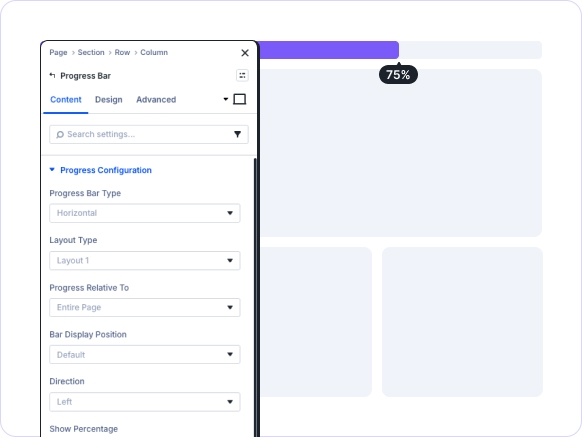

Automatic Scroll Tracking
Tracks page scroll progress. Updates in real-time automatically.
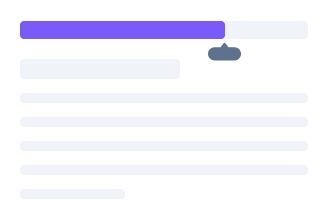
Flexible Positioning
Place bars anywhere: top, bottom, or custom positions.
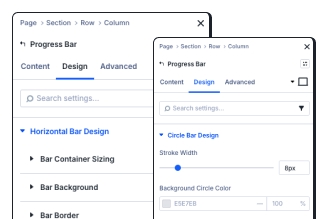
Complete Design Control
Customize bar colors, fills, borders, and percentage displays.
Key FeaturesAdvanced Reading Progress Bar
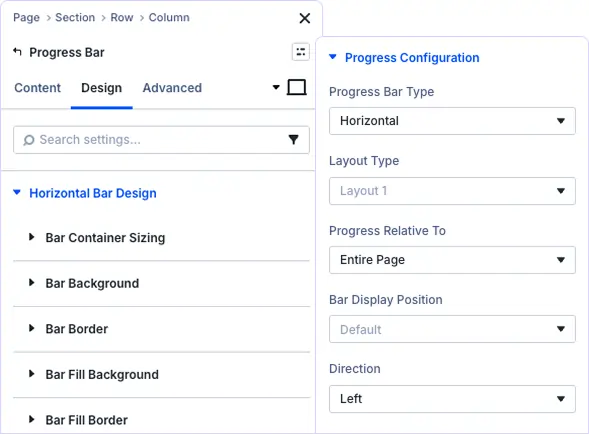
Complete Control Over Progress Tracking
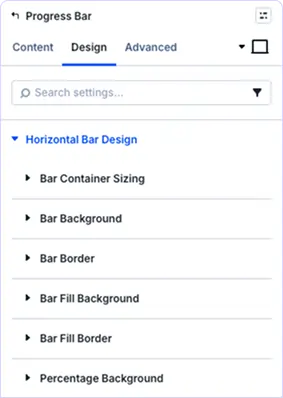
Style Progress Bar Containers Perfectly
Control container sizing, background colors, borders, and positioning. Create bars that integrate seamlessly with your site design while maintaining perfect visibility across all page layouts.
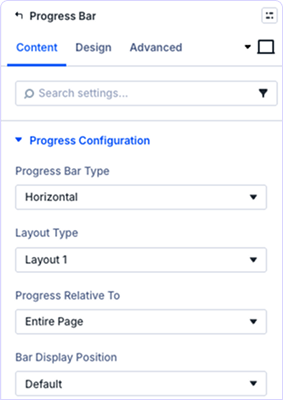
Show Progress with Visual Feedback
Add percentage text displays with custom backgrounds, typography, and positioning. Give readers precise feedback on their reading progress while maintaining clean, professional aesthetics.
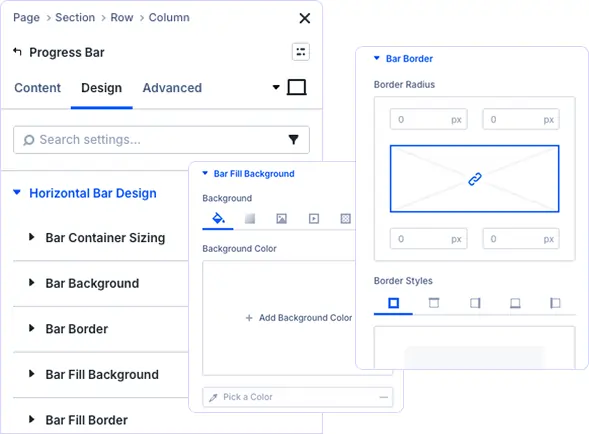
Design Eye-Catching Progress Indicators
Style the fill bar with custom backgrounds, gradients, and borders. Create smooth progress animations that capture attention and encourage visitors to continue reading your content.
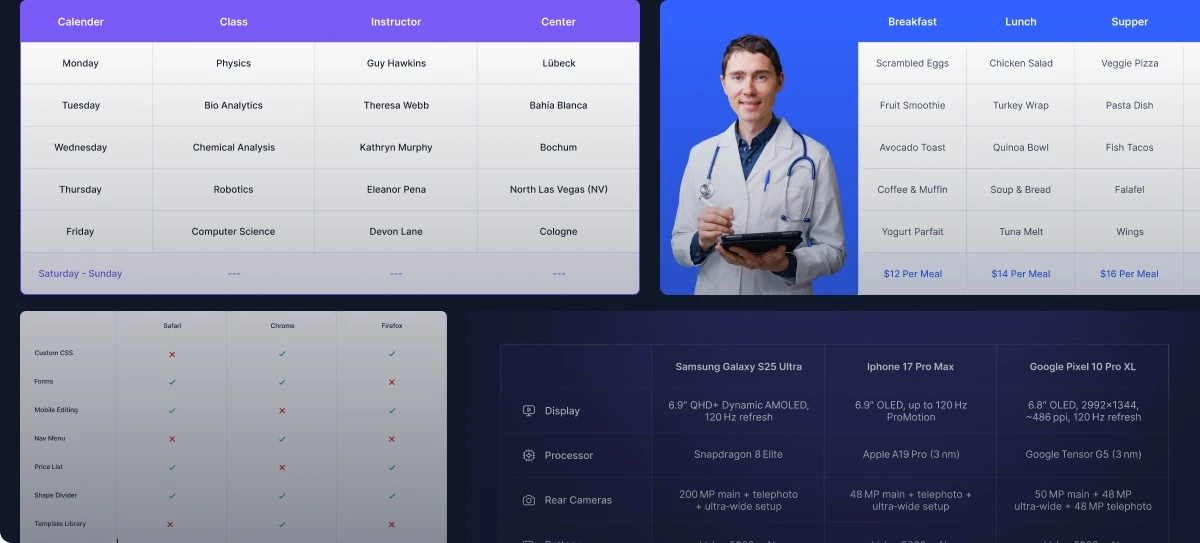
prebuild sectionGet Started with Our Pre-made Layouts
Boost Engagement In Minutes!
Frequently Asked Questions
Do you have any questions or concerns? Here is a list of frequently asked questions and their answers that might be helpful.
Divi Essential Help Center or Contact Us.
What does the Progress Bar module track?
The module tracks scroll progress on your page or section. As visitors scroll, the bar fills proportionally to show how much content they’ve viewed, updating smoothly in real-time.
Can I position the progress bar at the top or bottom?
Yes! You have full control over bar positioning. Place it at the top, bottom, or any custom position. The bar can be fixed or relative, adapting to your layout needs.
Does the progress bar show percentage numbers?
Absolutely! You can toggle percentage display on or off. When enabled, visitors see exact progress numbers with fully customizable text styling and background options.
Can I track progress for specific page sections?
Yes! Set progress tracking relative to the entire page or specific sections. Perfect for long-form content, courses, or multi-section landing pages where you want granular tracking.
Is the progress bar mobile responsive?
Yes, the Progress Bar is fully responsive with separate design controls for desktop, tablet, and mobile devices. The bar scales perfectly and maintains functionality across all screen sizes.
Can I customize the progress bar colors and styles?
Absolutely! Control every visual aspect including bar container backgrounds, fill colors, borders, shadows, and percentage text styling. Match your brand perfectly with complete design freedom.
Does this module work with Divi 5?
Yes, the Progress Bar module is built for Divi 5 and leverages its enhanced performance features and improved Visual Builder interface for smooth, efficient progress tracking.
Can I reuse progress bar styles across pages?
Yes! Use Divi’s preset system to save your progress bar designs and apply them throughout your website with one click, ensuring consistent styling across all pages.
Helpful Articles, Tutorials & More

Documentation
Learn about our plugins. Find guides, manuals, and API references here

Customer Support

Resources and Blog
✨ More Ways to Enhance Your Divi Experience

Divi Text Marquee
Create scrolling text announcements with smooth animations & custom icons.

Divi Time Count Down
Build urgency with customizable countdown timers for sales & events.

Divi Interactive Circle
Showcase features in stunning circular layouts with interactive animations.

Divi Scroll Stacking Cards
Captivate visitors with scroll-triggered card stacks for features & portfolios.
Mega Saver Offer!Unlock Endless Design Possibilities with All Access Pass!
Unlock 17+ plugins, 80+ modules, 750+ layouts & more with Divi Next’s All Access Pass! Experience the ultimate Divi builder toolkit. Grab your lifetime access today!

