
75+ Powerful Divi ModulesScroll Stacking Cards
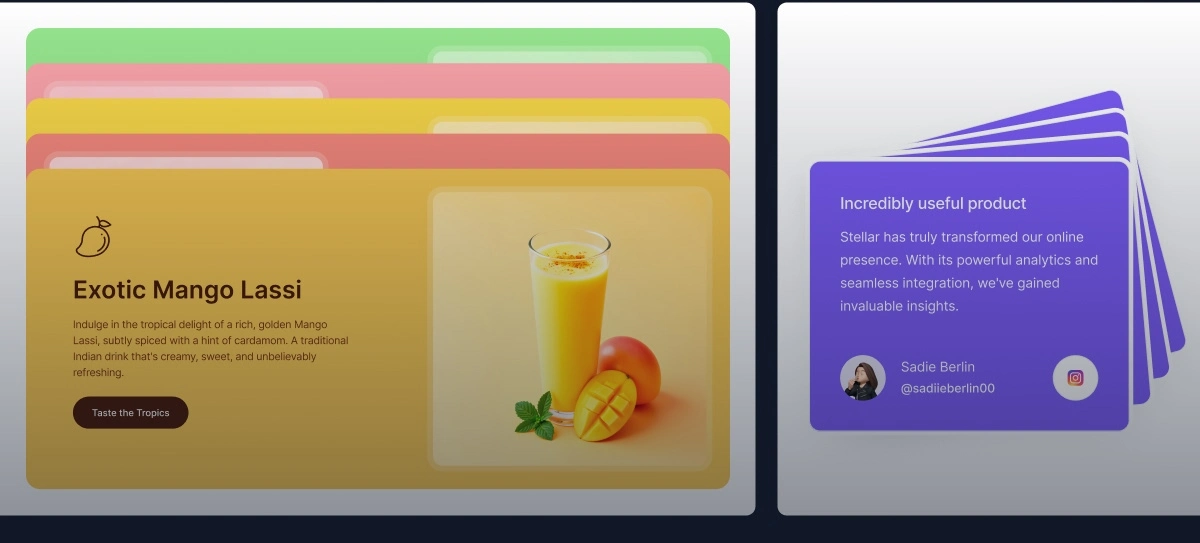
Create stunning scroll-triggered card animations that stack, slide, and reveal on scroll with Divi Scroll Stacking Cards. Perfect for showcasing services, features, team members, or portfolio items with smooth sticky animations that captivate visitors and boost engagement—no coding required.
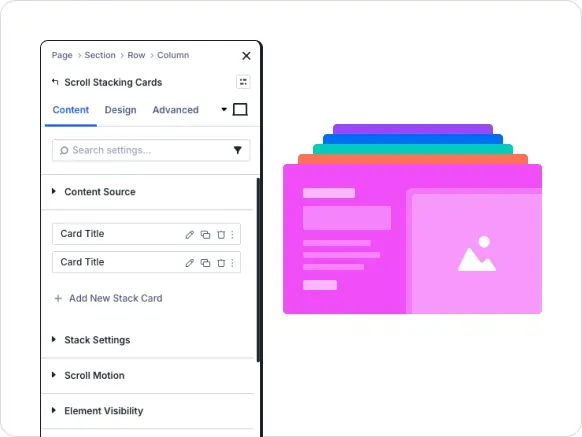
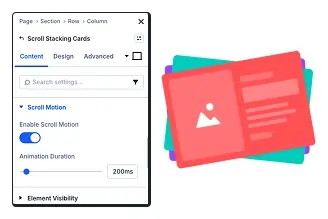
Scroll-Triggered Animation
Cards stack and slide with smooth scroll effects for engagement.
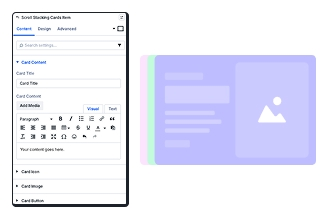
Customizable Card Content
Add titles, content, icons, images, and buttons to each card item.
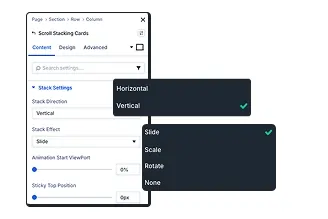
Sticky Position Control
Set sticky top position and animation start viewport precisely.
Key FeaturesAdvanced Scroll Stacking Card
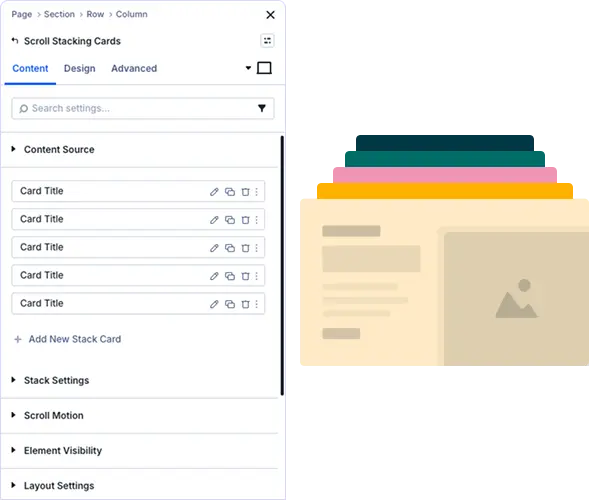
Build Engaging Card Stack Layouts
Add unlimited cards with titles, content, icons, images, and buttons. Control visibility and create clickable cards with custom URLs.
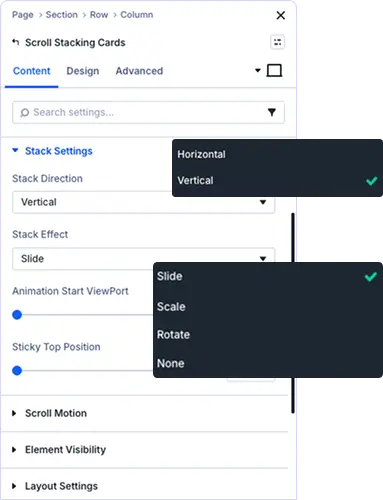
Perfect Stacking & Scroll
Choose direction, select effect, adjust viewport, and set sticky position for smooth scrolling.
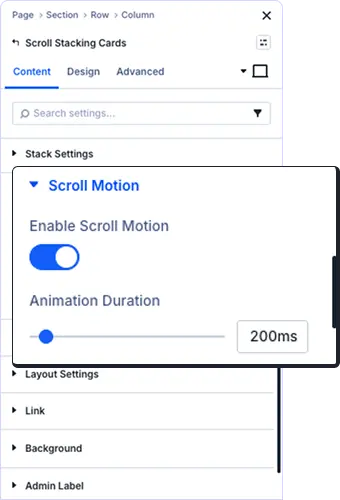
Scroll-Triggered Effects
Enable scroll motion for engaging animations. Control duration with millisecond timing.
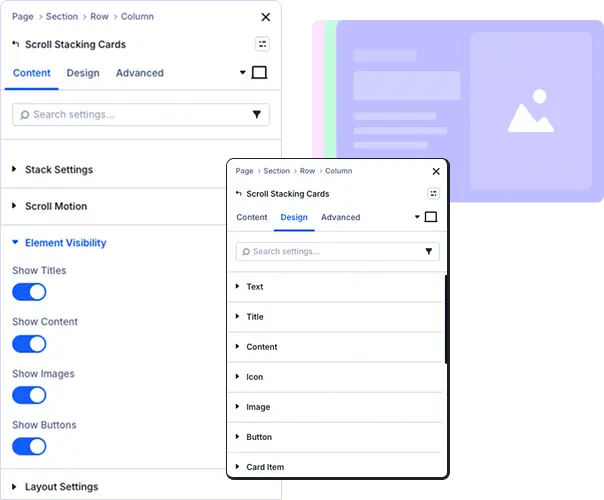
Professional Typography & Styling
Customize title levels, fonts, colors, alignment, shadows, spacing, margins, borders, and backgrounds with complete design control.
prebuild sectionGet Started with Our Pre-made Layouts
Create Stunning Stack Card Animations In Minutes!
Frequently Asked Questions
Do you have any questions or concerns? Here is a list of frequently asked questions and their answers that might be helpful.
Divi Essential Help Center or Contact Us.
What’s the best use case for the Scroll Stacking Cards module?
Perfect for showcasing services, features, team members, or portfolio items. The scroll-triggered effect creates engaging visual storytelling that keeps visitors exploring your content across sections.
Can I control the stacking direction and animation effects?
Yes! Choose vertical or horizontal direction, select effects (slide, fade, zoom), adjust animation viewport percentage, and set sticky position for complete control over the stacking behavior.
Can I add icons, images, and buttons to each card?
Absolutely! Each card supports titles, text, icons, images, and buttons. Control element visibility individually and make cards clickable with custom URLs and link targets for conversions.
Do I need Divi 5 to use the Scroll Stacking Cards Module?
Yes, this module is built exclusively for Divi 5 users. You’ll benefit from enhanced performance, improved scroll animations, and advanced styling features available in the Divi 5 framework.
Is the Scroll Stacking Cards module mobile responsive?
Yes, fully responsive with separate controls for desktop, tablet, and mobile. Customize typography, spacing, and animation per device for optimal mobile experience and performance.
Can I control when the scroll animations start?
Yes! Set the Animation Start ViewPort percentage to control when cards begin stacking. Adjust scroll motion duration in milliseconds for perfect timing that matches your design needs.
Helpful Articles, Tutorials & More

Documentation
Learn about our plugins. Find guides, manuals, and API references here

Customer Support

Resources and Blog
✨ More Ways to Enhance Your Divi Experience

Divi Text Marquee
Create scrolling text announcements with smooth animations & custom icons.

Divi Time Count Down
Build urgency with customizable countdown timers for sales & events.

Divi Interactive Circle
Showcase features in stunning circular layouts with interactive animations.
Mega Saver Offer!Unlock Endless Design Possibilities with All Access Pass!
Unlock 17+ plugins, 80+ modules, 750+ layouts & more with Divi Next’s All Access Pass! Experience the ultimate Divi builder toolkit. Grab your lifetime access today!

