
75+ Powerful Divi ModulesDivi Stripe Button
Accept payments instantly with native Stripe integration. Create stunning payment buttons with custom amounts, currencies, and complete design control—all inside Divi’s Visual Builder.
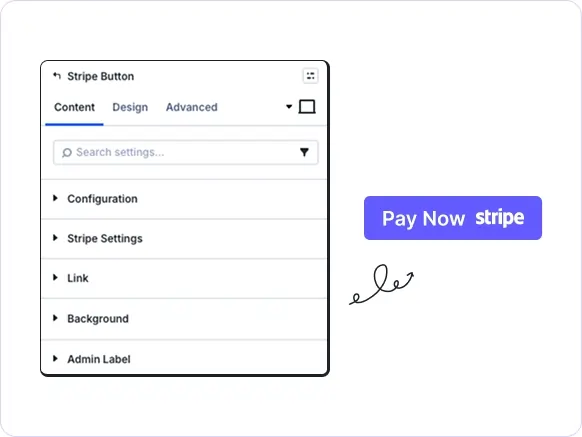

Native Stripe Integration
Connect your Stripe account. Accept payments instantly.
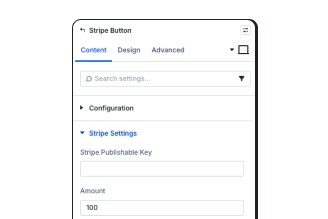
Custom Payment Amounts
Set fixed prices or custom amounts in any currency.
Complete Button Styling
Design every aspect: colors, sizes, borders, and effects.
Key FeaturesAdvanced Stripe Button
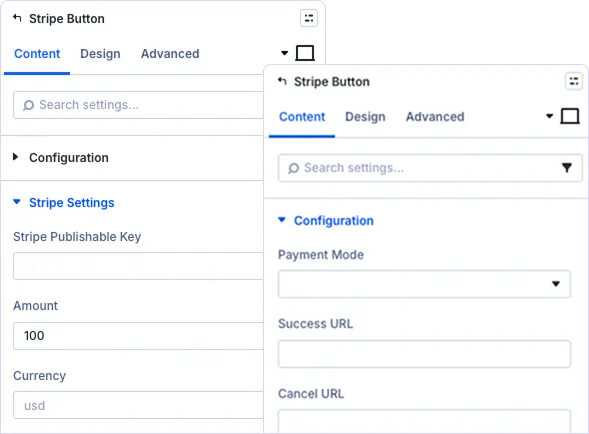
Complete Control Over Payment Settings
Set payment amounts, currency codes, custom descriptions, and success/cancel redirect URLs. Configure everything directly in the Visual Builder without writing code or leaving your page.
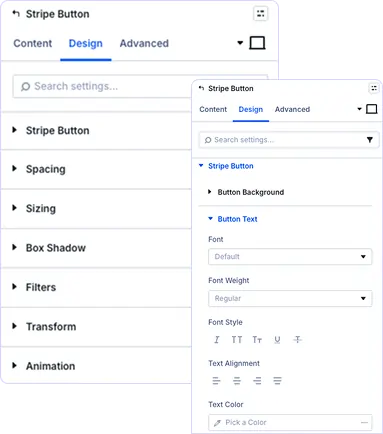
Style Your Payment Button Perfectly
Customize button backgrounds, text colors, borders, padding, border radius, and alignment. Create buttons that match your brand identity.
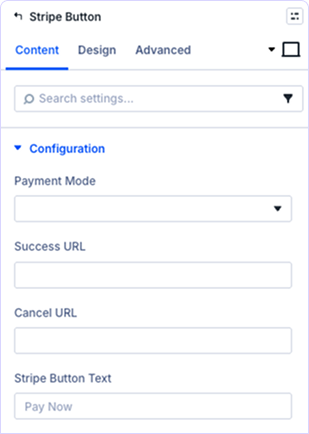
Control Customer Journey After Payment
Define custom success and cancel URLs to guide customers after transactions. Send them to thank-you pages, download pages, or back to your shop.
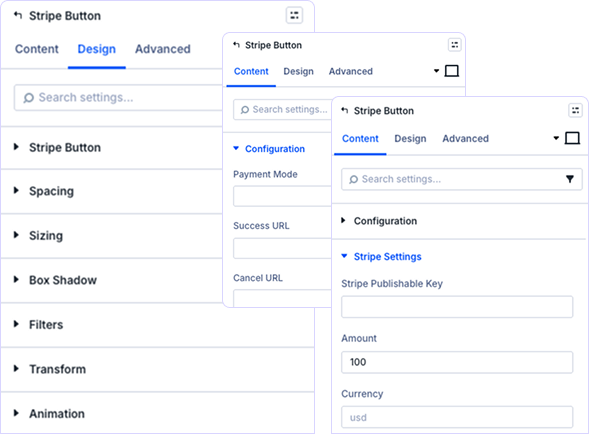
Professional Polish and Visual Enhancement
Add spacing, shadows, filters, transforms, and animations to your payment buttons. Create hover effects and visual feedback that encourages conversions and builds trust with visitors.
prebuild sectionGet Started with Our Pre-made Layouts
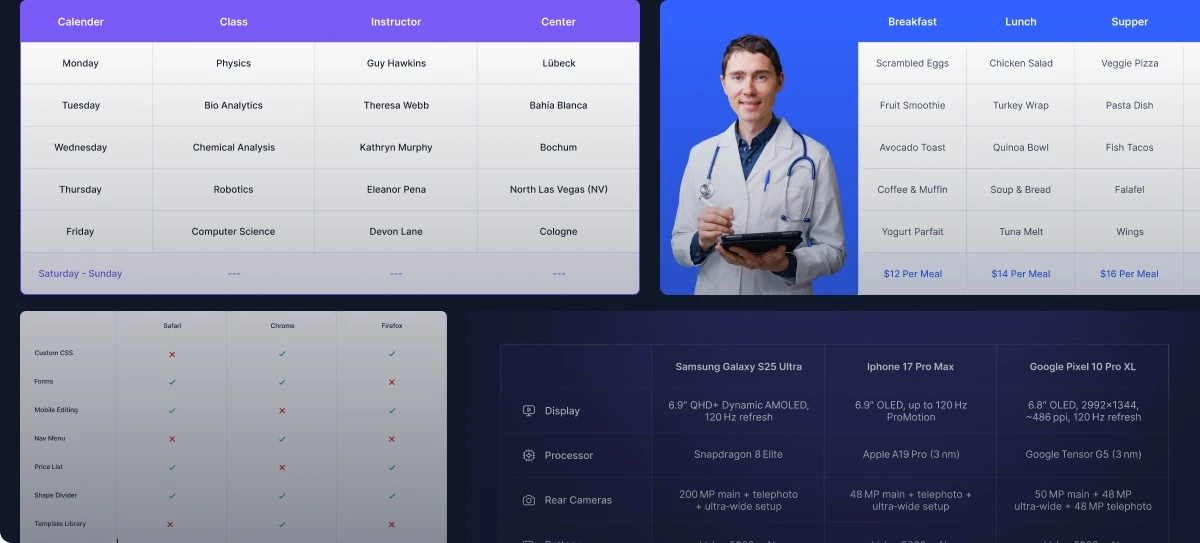
Create Stripe Buttons In Minutes!
Frequently Asked Questions
Do you have any questions or concerns? Here is a list of frequently asked questions and their answers that might be helpful.
Divi Essential Help Center or Contact Us.
Do I need a Stripe account to use this module?
Yes, you’ll need a Stripe account and a publishable API key. Simply create a free account at Stripe.com, retrieve your publishable key from the dashboard, and add it to the module settings.
Can I set custom payment amounts for different pages?
Absolutely! Each button instance can have its own amount, currency, and payment description. Create multiple payment buttons across your site with different pricing for various products or services.
What currencies does the Stripe Button module support?
The module supports all currencies that Stripe accepts, including USD, EUR, GBP, CAD, AUD, and 135+ others. Simply enter the three-letter currency code in the module settings.
Can I redirect customers after successful payment?
Yes! You can define custom success and cancel URLs. Send customers to thank-you pages, download links, order confirmations, or any page on your website after payment completion.
Is the button fully responsive on mobile devices?
Yes, the Stripe Button is completely responsive with separate styling controls for desktop, tablet, and mobile. The button adjusts automatically and maintains perfect functionality across all screen sizes.
Can I style the button to match my brand colors?
Absolutely! You have full control over button backgrounds, text colors, borders, padding, shadows, and hover effects. Match your brand perfectly using Divi’s intuitive visual design controls.
Does the module work with Divi 5?
Yes, the Stripe Button module is built specifically for Divi 5 and leverages its enhanced performance and improved Visual Builder interface for seamless payment integration.
Can I reuse payment button styles across my website?
Yes! Use Divi’s preset system to save your button designs and apply them site-wide with one click. Maintain consistent payment button styling across all your pages effortlessly.
Helpful Articles, Tutorials & More

Documentation
Learn about our plugins. Find guides, manuals, and API references here

Customer Support

Resources and Blog
✨ More Ways to Enhance Your Divi Experience

Divi Text Marquee
Create scrolling text announcements with smooth animations & custom icons.

Divi Time Count Down
Build urgency with customizable countdown timers for sales & events.

Divi Interactive Circle
Showcase features in stunning circular layouts with interactive animations.

Divi Scroll Stacking Cards
Captivate visitors with scroll-triggered card stacks for features & portfolios.
Mega Saver Offer!Unlock Endless Design Possibilities with All Access Pass!
Unlock 17+ plugins, 80+ modules, 750+ layouts & more with Divi Next’s All Access Pass! Experience the ultimate Divi builder toolkit. Grab your lifetime access today!

