
75+ Powerful Divi ModulesDivi Social Share
Add beautiful social share buttons to any Divi page. Support for 16+ networks with full icon, color, label, and button styling—no coding required.
Why Every Divi Page Needs Divi Social Share
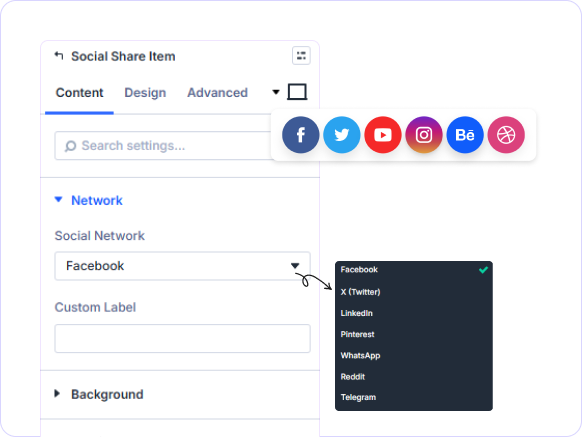
The Divi Social Share module embeds beautiful, fully branded share buttons into Divi, giving you per-button control to drive organic reach effortlessly.
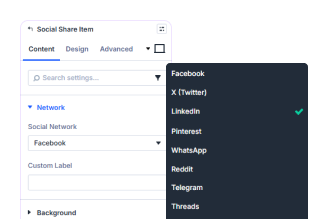
16+ Social Networks Supported
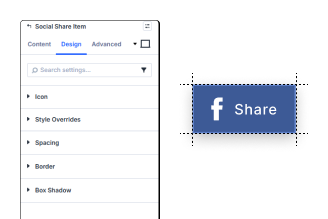
Per-Button Design Control
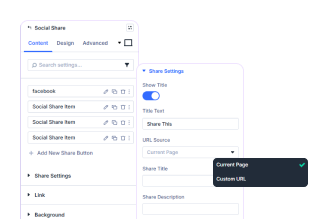
Popup & Custom URL Sharing
Key FeaturesAdvanced Social Share
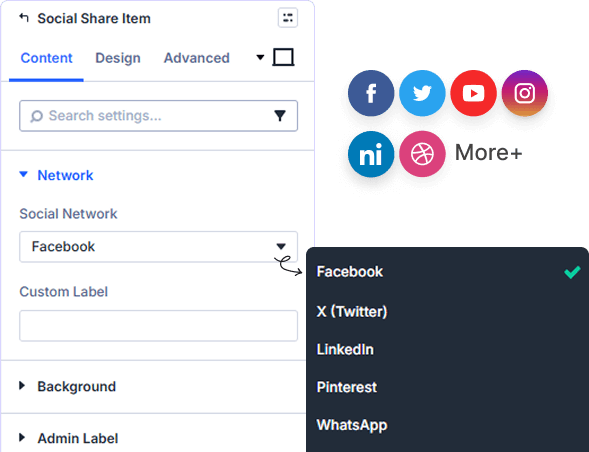
16+ Social Networks In One Module
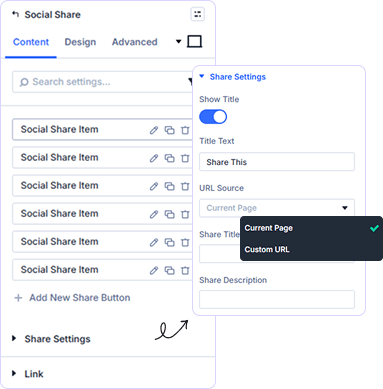
Flexible Share URL Configuration
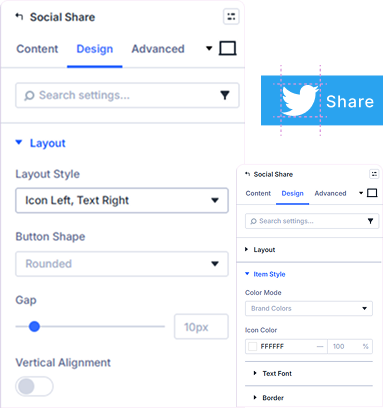
Per-Button Icon and Color Styling
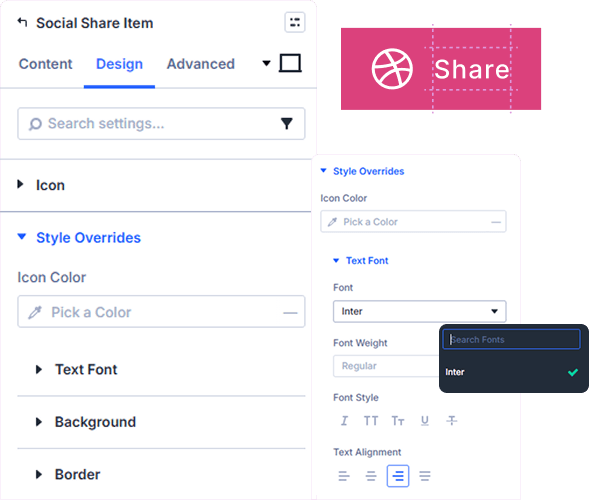
Full Button Label Typography Control
Style button labels with custom font, weight, font style, text alignment, color, size, letter spacing, line height, and text shadow for each network button.
prebuild sectionGet Started with Our Pre-made Layouts
Quick StepsHow to Add Divi Social Share Buttons in 3 Steps

Install Divi Essential and activate your license key

Drop the Divi Social Share module onto your page.

Choose your networks, style each button, and publish.
Launch A Stunning Experience Add
Social Sharing In Minutes!
Frequently Asked Questions
Do you have any questions or concerns? Here is a list of frequently asked questions and their answers that might be helpful.
Divi Essential Help Center or Contact Us.
How many social networks does the module support?
The module supports 18 networks including Facebook, X (Twitter), LinkedIn, Pinterest, WhatsApp, Reddit, Telegram, Threads, Bluesky, Mastodon, Tumblr, Pocket, Flipboard, Skype, Email, SMS, Copy Link, and Print.
Can I style each Divi social share button differently?
Yes! Every Social Share Item is styled independently. Control icon size, icon color, background, label typography, border, spacing, and box shadow per button.
Can I share a custom URL instead of the current page?
Absolutely! In Share Settings, switch the URL Source from Current Page to Custom URL and enter any link you want to share across your social buttons.
Does the module support popup sharing windows?
Yes. Toggle Open In Popup in Share Settings to open share dialogs in a popup window instead of redirecting the user away from the page.
Can I add a label to each share button?
Yes! Each button supports a fully styled label with custom font, weight, size, color, alignment, letter spacing, line height, and text shadow controls.
Can I show a title above the share buttons?
Yes. Enable Show Title in Share Settings to display a heading above your social share buttons, helping users understand the sharing section at a glance.
✨ More Ways to Enhance Your Divi Experience

Divi Text Marquee
Create scrolling text announcements with smooth animations & custom icons.

Divi Time Count Down
Build urgency with customizable countdown timers for sales & events.

Divi Interactive Circle
Showcase features in stunning circular layouts with interactive animations.

Divi Scroll Stacking Cards
Captivate visitors with scroll-triggered card stacks for features & portfolios.
Mega Saver Offer!Unlock Endless Design Possibilities with All Access Pass!
Unlock 17+ plugins, 80+ modules, 750+ layouts & more with Divi Next’s All Access Pass! Experience the ultimate Divi builder toolkit. Grab your lifetime access today!

