
90+ Powerful Divi ModulesDivi Throwable Items
Physics-powered elements that bounce, fall, and react. Add real gravity to any Divi page with Divi Throwable Items—no coding needed.
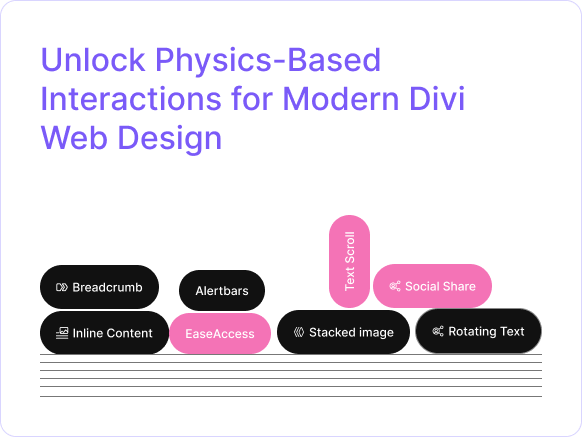
Why Divi Users Choose DivThrowable Items
Divi Throwable Items brings real-time physics to your pages—letting you throw text, images, and icons with full gravity, bounce, and friction control built directly into the Divi editor.
Real Physics Simulation
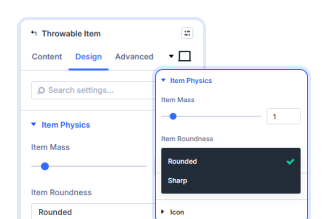
2 Built-in Physics Engine
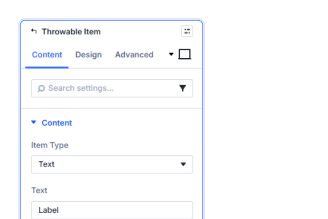
Four Throwable Item Types
Key FeaturesAdvanced Throwable Items
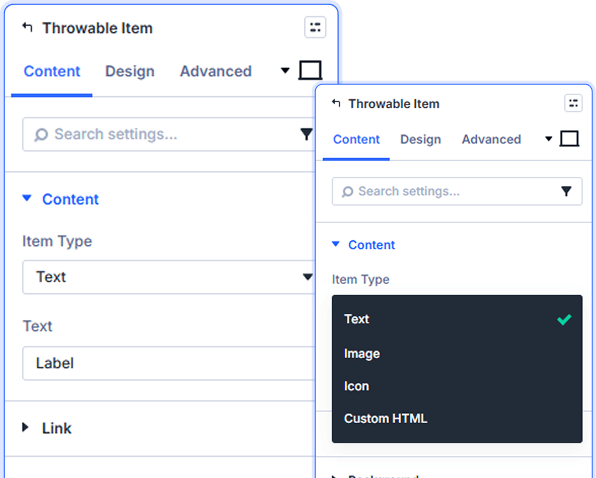
Fully Configurable Throwable Items
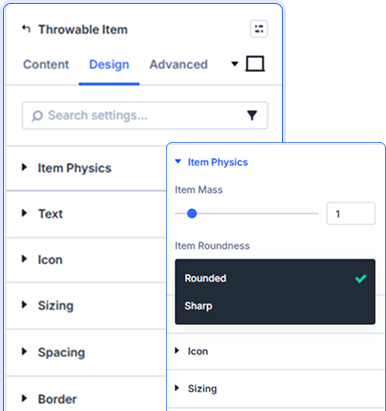
Mass & Collision Control
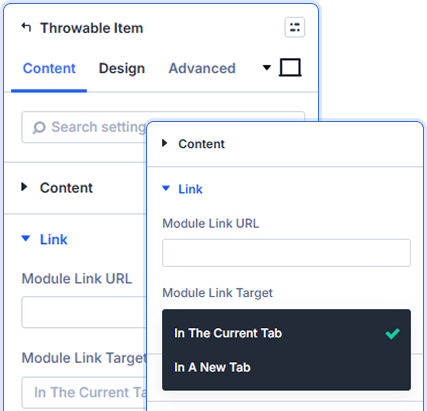
Interactive Clickable Items
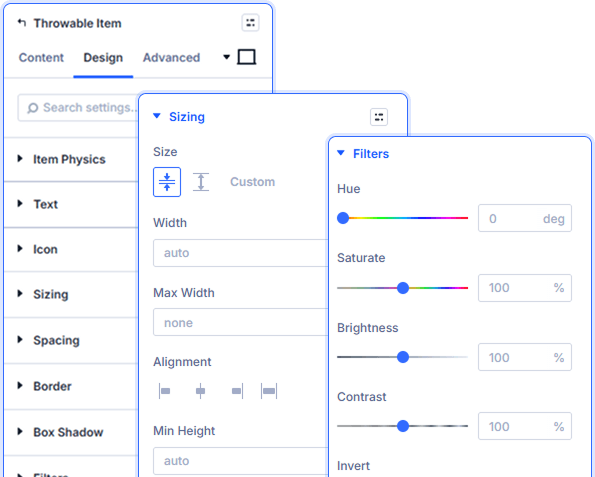
Complete Design Freedom
prebuild sectionGet Started with Our Pre-made Layouts
Quick StepsHow to Add Divi Throwable Items in3 Simple Steps

Install Divi Essential and activate your license key.

Drop the Divi Throwable Items module onto your page.

Choose a preset, add your items, and publish.
Launch A Stunning Experience. Make
Your Page Feel Alive!
Frequently Asked Questions
Do you have any questions or concerns? Here is a list of frequently asked questions and their answers that might be helpful.
Divi Essential Help Center or Contact Us.
What item types can I throw?
Text, Image, or Icon. Each type has its own content fields and can be styled independently from the Design tab.
What does Item Mass do?
Controls how heavy an item feels. Higher mass means items fall harder and are tougher to throw. Lower mass creates light, floaty objects.
What does Item Roundness do?
Sets collision shape. Rounded items roll and bounce naturally. Sharp items stack and collide with flat, angular edges.
Can throwable items be clickable?
Yes. Each item has a Link field in the Content tab — visitors can throw items around and still click them to navigate.
How many items per module?
Up to six. Each with its own type, content, physics mass, roundness, and full design styling.
Does it work with Divi 5?
Yes. Divi Throwable Items is built natively for Divi 5 as part of Divi Essential 5.2.0.
✨ More Ways to Enhance Your Divi Experience

Divi Text Marquee
Create scrolling text announcements with smooth animations & custom icons.

Divi Time Count Down
Build urgency with customizable countdown timers for sales & events.

Divi Interactive Circle
Showcase features in stunning circular layouts with interactive animations.

Divi Scroll Stacking Cards
Captivate visitors with scroll-triggered card stacks for features & portfolios.
Mega Saver Offer !Unlock Endless Design Possibilities with All Access Pass!
Unlock 17+ plugins, 115+ modules, 880+ layouts & more with Divi Next’s All Access Pass! Experience the ultimate Divi builder toolkit. Grab your lifetime access today!

