
Display animated stat counters on any Divi page with Divi Advance Counter. Showcase numbers that matter—no coding, no complexity, no compromise.
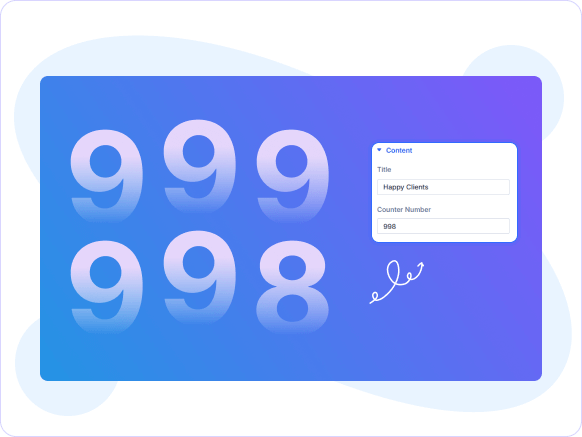
Divi Advance Counter delivers bold, animated number displays with full typography and icon control engineered to turn key stats into high-impact conversion signals.

Animated Number Counters
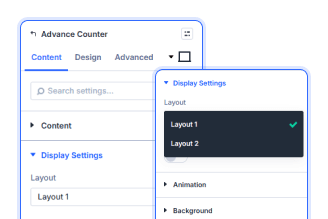
Two Flexible Layout Styles
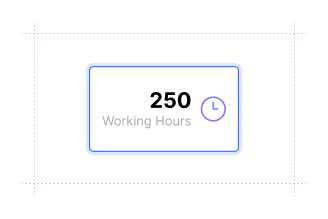
Icon & SVG Support
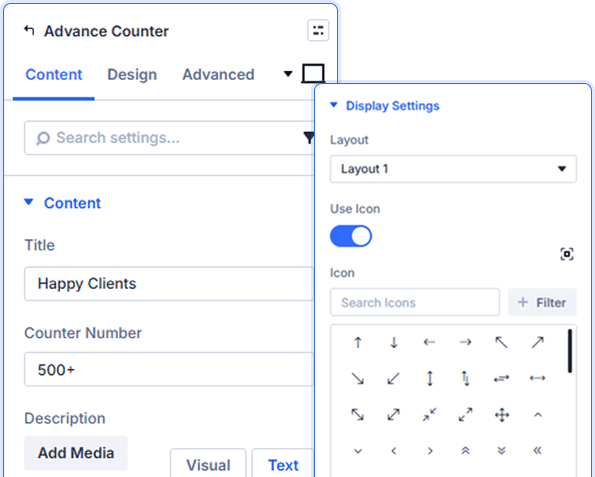
Fully Configurable Counter Content
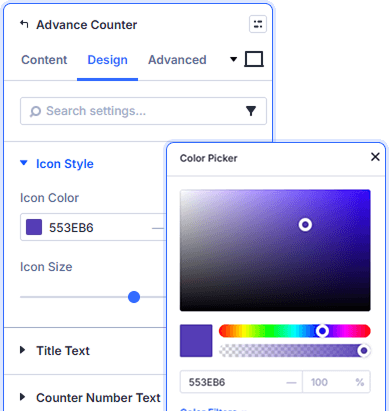
Custom Icon Color & Size Control
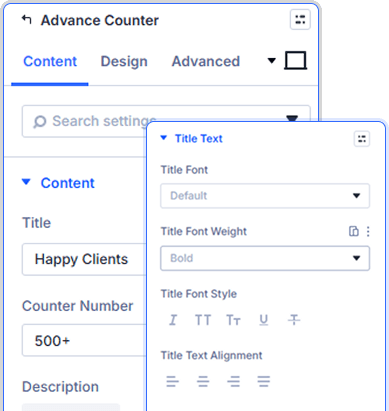
Independent Text Styling Per Element
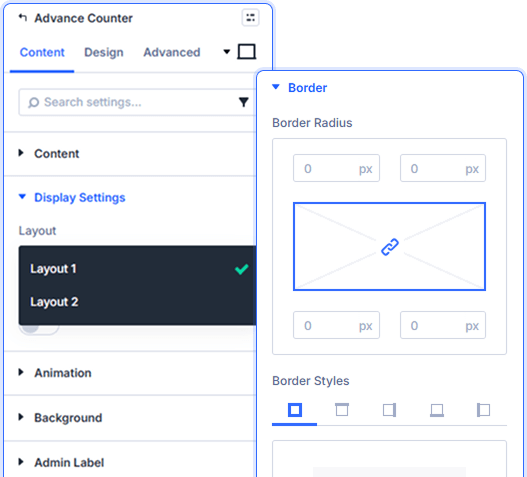
Flexible Display & Animation Settings
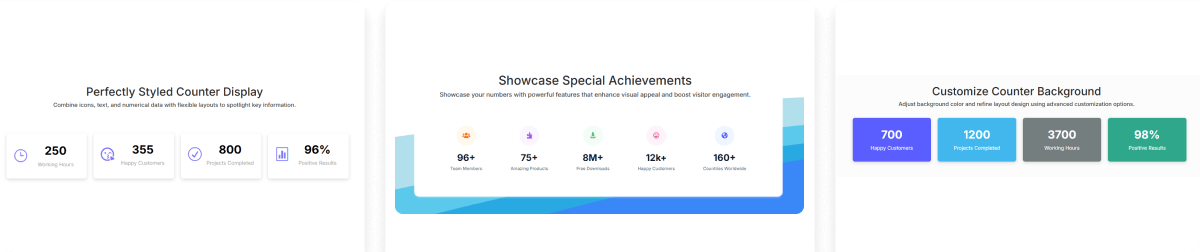

Install Divi Essential and activate your license key.

Drop the Divi Advance Counter module onto your page.

Enter your counter number, title, and publish.
Launch A Stunning Experience.
Display Your Stats Beautifully!
Frequently Asked Questions
Do you have any questions or concerns? Here is a list of frequently asked questions and their answers that might be helpful.
Divi Essential Help Center or Contact Us.
Can I display any number on the counter?
Yes. Enter any numeric value in the Counter Number field. The module animates the count-up effect automatically when the counter enters the visitor's viewport on scroll.
What layout options does the module offer?
The module includes two layout styles—Layout 1 and Layout 2. Switch between them from the Content tab to match your section's visual structure and spacing needs.
Can I add an icon to my counter?
Enable Use Icon to choose from the built-in library, or turn on Use SVG Icon to upload custom SVGs.
Can I style the counter number separately from the title?
Absolutely. The Design tab includes independent typography controls for the title, counter number, and body text—each with its own font, size, color, weight, and spacing settings.
Does the module support entrance animations?
Yes. Each Divi Advance Counter module includes Divi's full Animation panel in the Design tab to trigger independent entrance effects as the counter scrolls into view.
Can I add a description below the counter?
Yes. Use the Description field in the Content tab to add supporting text below the counter number. Style it independently using the Body Text settings in the Design tab.
✨ More Ways to Enhance Your Divi Experience

Divi Text Marquee
Create scrolling text announcements with smooth animations & custom icons.

Divi Time Count Down
Build urgency with customizable countdown timers for sales & events.

Divi Interactive Circle
Showcase features in stunning circular layouts with interactive animations.

Divi Scroll Stacking Cards
Captivate visitors with scroll-triggered card stacks for features & portfolios.
