
Divi Solar Orbit animates any image, logo, or icon in a living orbital display. Stack multiple rings, control speed and size, and reveal labels on hover.
Bullet lists don't show mastery. Divi Solar Orbit puts your tools, skills, or services into motion circling a focal point that anchors your whole visual story.
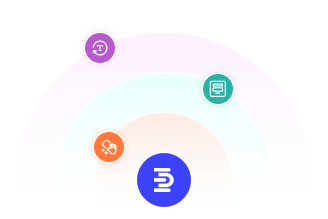
Multi Ring Orbital System
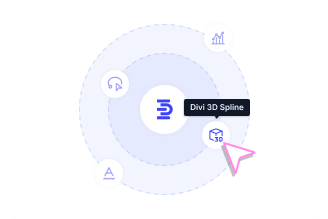
Per Ring Image and Label Control
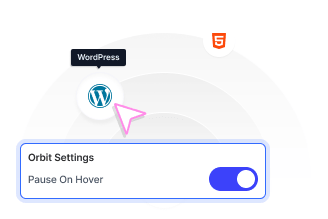
Pause and Reveal on Hover
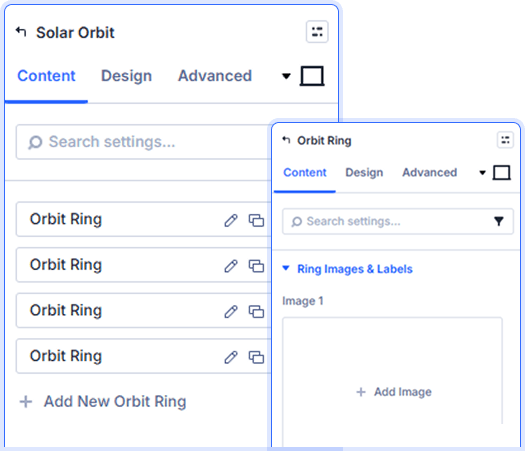
Flexible Orbit Radius and Speed
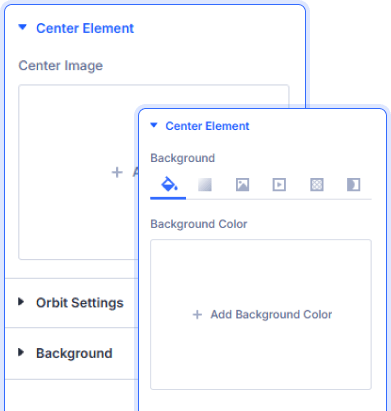
Glowing Center Element
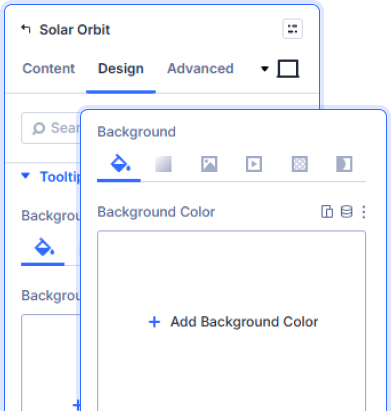
Styled Orbit Items and Tooltips
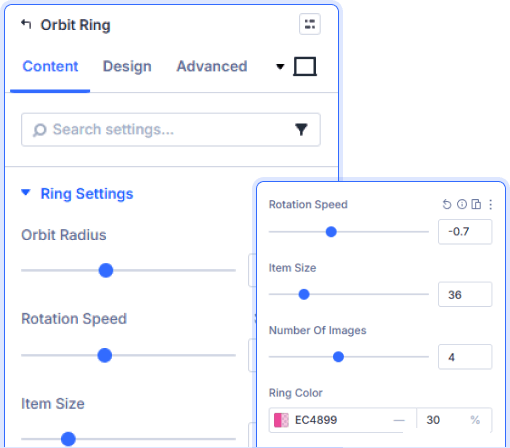
Ring Color and Item Size Control

Install Divi Essential and create an ACF Gallery field in your post type.

Add the Ajax Search module and set your search scope.

Configure Smart Search, style the results, and publish.
Put Your World On
The Map!
Frequently Asked Questions
Do you have any questions or concerns? Here is a list of frequently asked questions and their answers that might be helpful.
Divi Essential Help Center or Contact Us.
How many orbit rings can I add?
You can add as many orbit rings as your design needs. Divi Solar Orbit treats each ring as an independent child with its own radius, speed, item count, and ring color.
Can each ring rotate at a different speed?
Yes. Every ring has its own Rotation Speed control. Set one ring to slow and another to fast to create a layered, dynamic orbital effect that draws the eye naturally.
What types of images can I use as orbit items?
Any image including logos, icons, photos, or illustrations. Each ring supports multiple images and every slot has a matching label field for tooltip text.
What does Pause On Hover do?
When enabled, all rings stop rotating the moment a visitor hovers over the module. This gives them time to read labels and interact with individual orbit items comfortably.
Can I show or hide the item labels?
Yes. The Show Labels toggle controls visibility globally. When on, labels appear as tooltips on hover. You can style each tooltip's font, size, color, and background independently.
Is the center element customizable?
Fully. Divi Solar Orbit lets you upload any image, set its size and background, apply a glow with custom opacity, and adjust border radius from the Design tab.
✨ More Ways to Enhance Your Divi Experience

3D Globe Map
Display locations worldwide with an interactive rotating 3D globe.

Divi Time Count Down
Showcase upcoming events in a clean, organized, and interactive calendar.

Divi Interactive Circle
Showcase features in stunning circular layouts with interactive animations.

Divi Scroll Stacking Cards
Captivate visitors with scroll-triggered card stacks for features & portfolios.
