
Build stunning pricing and feature comparison tables inside Divi 5 — with highlighted columns, accordion rows, animated icons, and pixel-perfect design control.
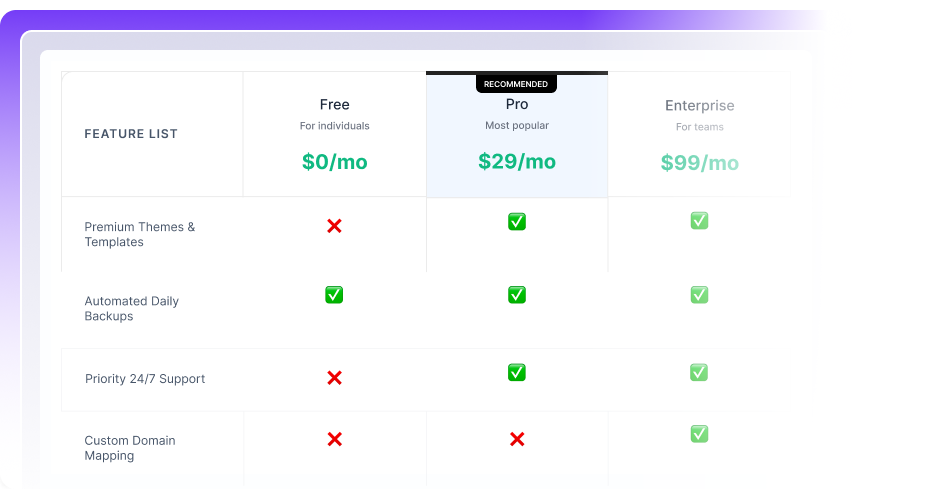
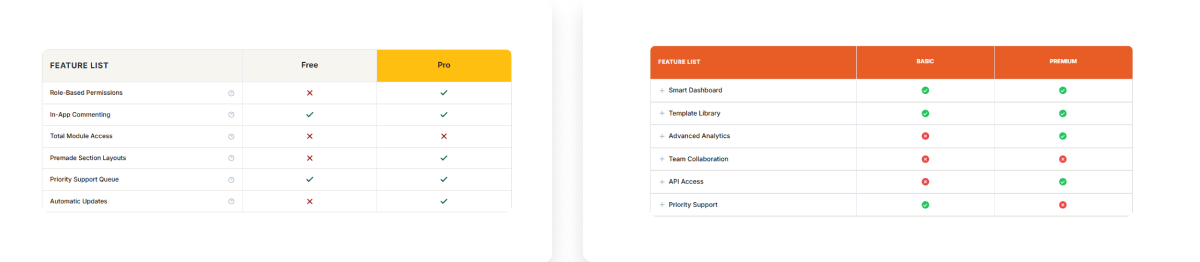
Divi Comparison List turns complex pricing decisions into effortless choices with visual tables, animated rows, and a fully highlighted recommended column.
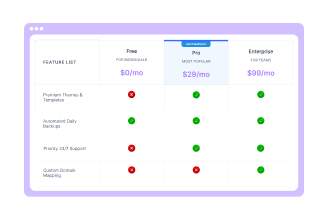
Visual Pricing Tables
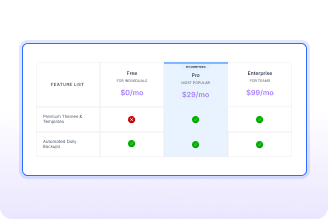
Highlighted Column Design
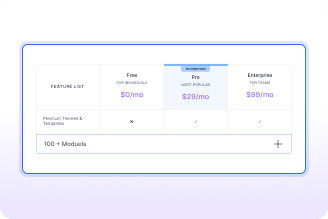
Accordion Feature Rows
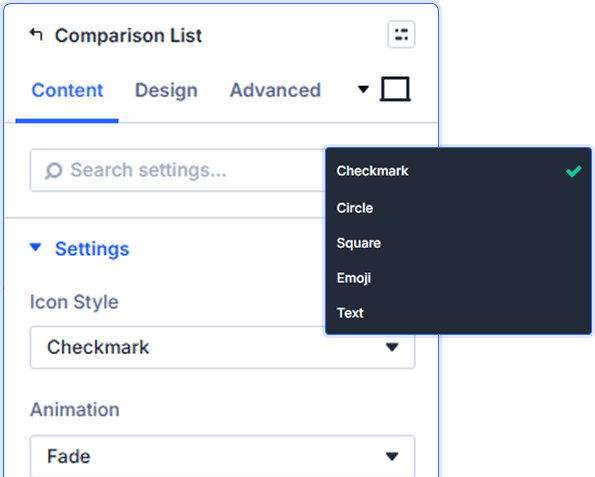
Icon Style and Color Options
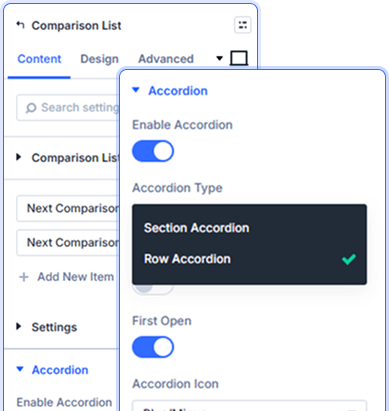
Accordion Row Setup Controls
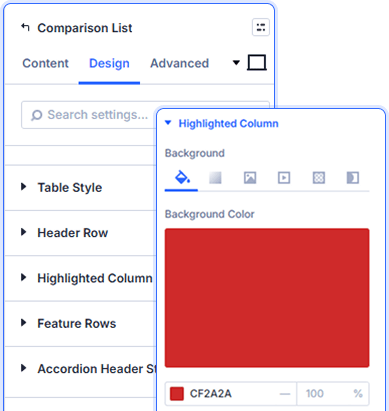
Active Highlighted Column Set
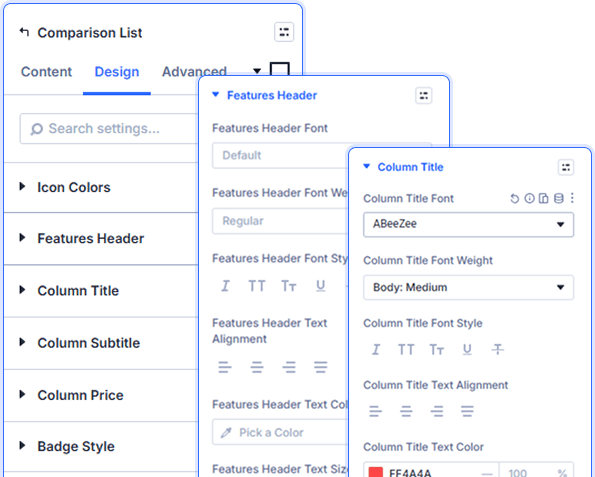
Granular Typography Controls

Install Divi Essential and activate your license key.

Drop the Divi Comparison List module onto your Divi page.

Add comparison items, highlight columns, enable accordion rows, and publish.
Convert visitors with comparison tables!
Frequently Asked Questions
Do you have any questions or concerns? Here is a list of frequently asked questions and their answers that might be helpful.
Divi Essential Help Center or Contact Us.
What display types does the module support?
Supports Checkmark, Radio, Select, and Checkbox icon styles. Each icon type can have independent positive, negative, and partial colors.
Can I highlight a recommended pricing column?
Yes! Set the Active Item index and add Badge Text. The column gets its own background and border style for clear visual distinction.
How does the accordion mode work in this module?
Enable Accordion, choose Section or Row type, allow multiple rows open, set the first row open, and pick from four accordion icon styles.
Can I enable hoverable row effects on the table?
Yes! Hoverable Rows is a toggle in Settings. When enabled, feature rows respond to mouse hover to improve table interactivity for visitors.
What animation options does the module include?
The module offers a Fade animation for table entry, creating a smooth reveal that adds polish to your comparison table on scroll.
Is Divi Comparison List compatible with Divi 5?
Yes! Fully built for Divi 5, using the native visual builder with full design, responsive, and spacing controls in the editor.
✨ More Ways to Enhance Your Divi Experience

Data Table
Create interactive, customizable tabbed content with responsive design features.

Table of Contents
Create stunning scrolling text effects with masking options & animation effect.

Text Marquee

Divi Scroll Stacking Cards
Captivate visitors with scroll-triggered card stacks for features & portfolios.
