
Real-time results, voice input, smart suggestions, and WooCommerce support — a Divi Ajax Search module that replaces the default search bar and actually works.
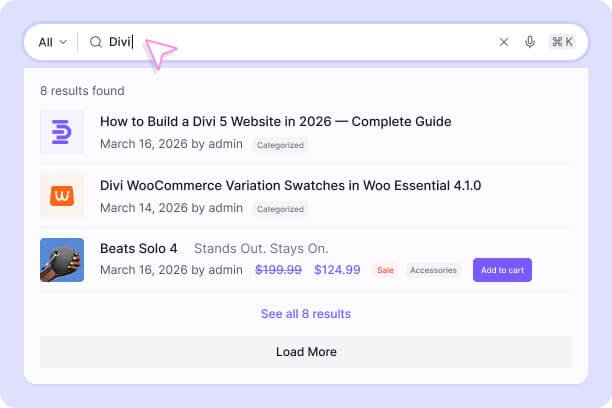
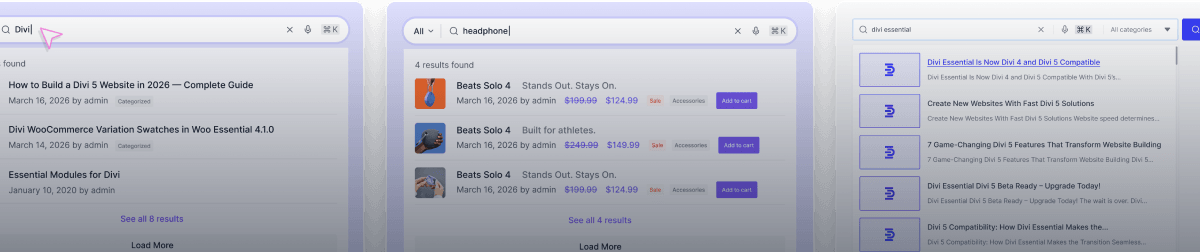
Search posts, pages, and site content instantly with fast, dynamic AJAX-powered live results.
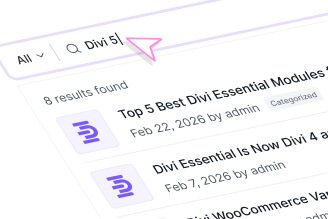
Results As You Type
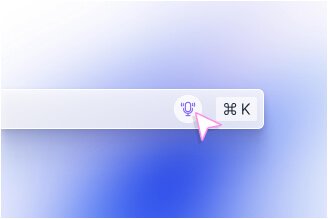
Smart Search Built In
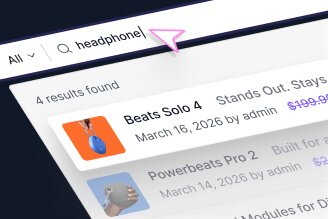
WooCommerce Ready
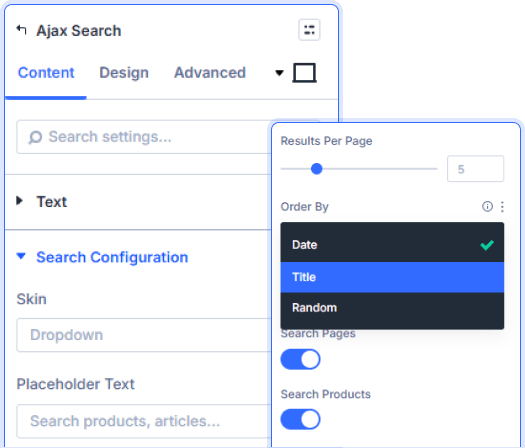
Search Posts, Pages, Products, And Projects
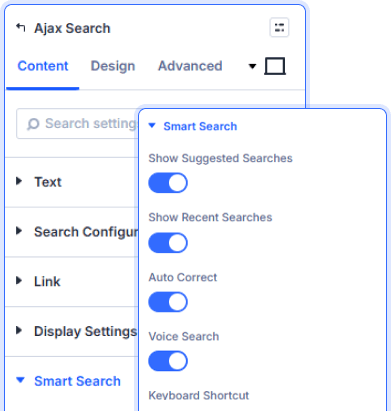
Suggestions, Voice, And Keyboard Shortcuts
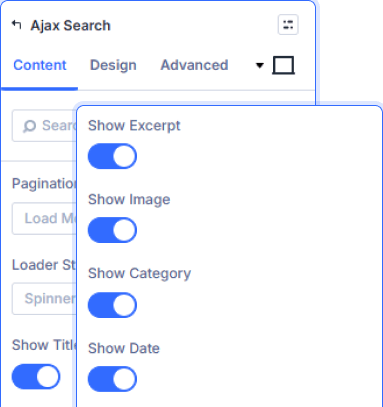
Every Result Field Is Your Choice
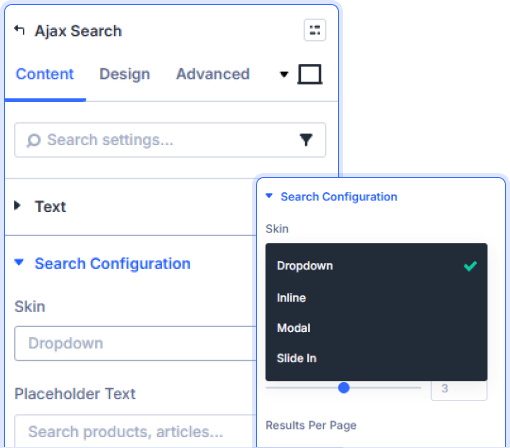
Animated Dropdown. Pixel-Perfect Styling.

Install Divi Essential and create an ACF Gallery field in your post type.

Add the Ajax Search module and set your search scope.

Configure Smart Search, style the results, and publish.
Put Your World On
The Map!
Frequently Asked Questions
Do you have any questions or concerns? Here is a list of frequently asked questions and their answers that might be helpful.
Divi Essential Help Center or Contact Us.
What content types can the search module query?
Posts, pages, WooCommerce products, and projects — each toggled independently, with separate controls for title, content, excerpt, categories, tags, SKU, and meta.
How does Smart Search work in this module?
It shows suggested and recent searches below the input, supports voice search, enables a keyboard shortcut to open the bar, and lets you configure a category filter with preset chips.
Can WooCommerce product data appear in results?
Yes — price, star rating, sale badge, and an Add to Cart button can each be toggled on independently inside the live results dropdown.
How is the results dropdown animated?
Three options — Fade In, Slide Down, or Scale Up — applied to the results container, with background color, border radius, and shadow depth styled from the Design tab.
What display elements appear in each result item?
Title, excerpt, thumbnail, category, date, author, price, and sale badge — all individually toggled, with image position set to left or right and excerpt length controlled by slider.
What pagination options are available for results?
Load More button or the results per page count — both configurable from Search Configuration alongside order by date and a custom no-results message.
✨ More Ways to Enhance Your Divi Experience

3D Globe Map
Display locations worldwide with an interactive rotating 3D globe.

Event Calendar
Showcase upcoming events in a clean, organized, and interactive calendar.

Divi Solar Orbit
Present skills or features in a dynamic orbit-style rotating layout.

Divi Interactive Circle
Showcase features in stunning circular layouts with interactive animations.
