
Divi Events Calendar brings a fully interactive schedule to Divi. Add events, assign categories, filter by type, and switch views without extra plugins.
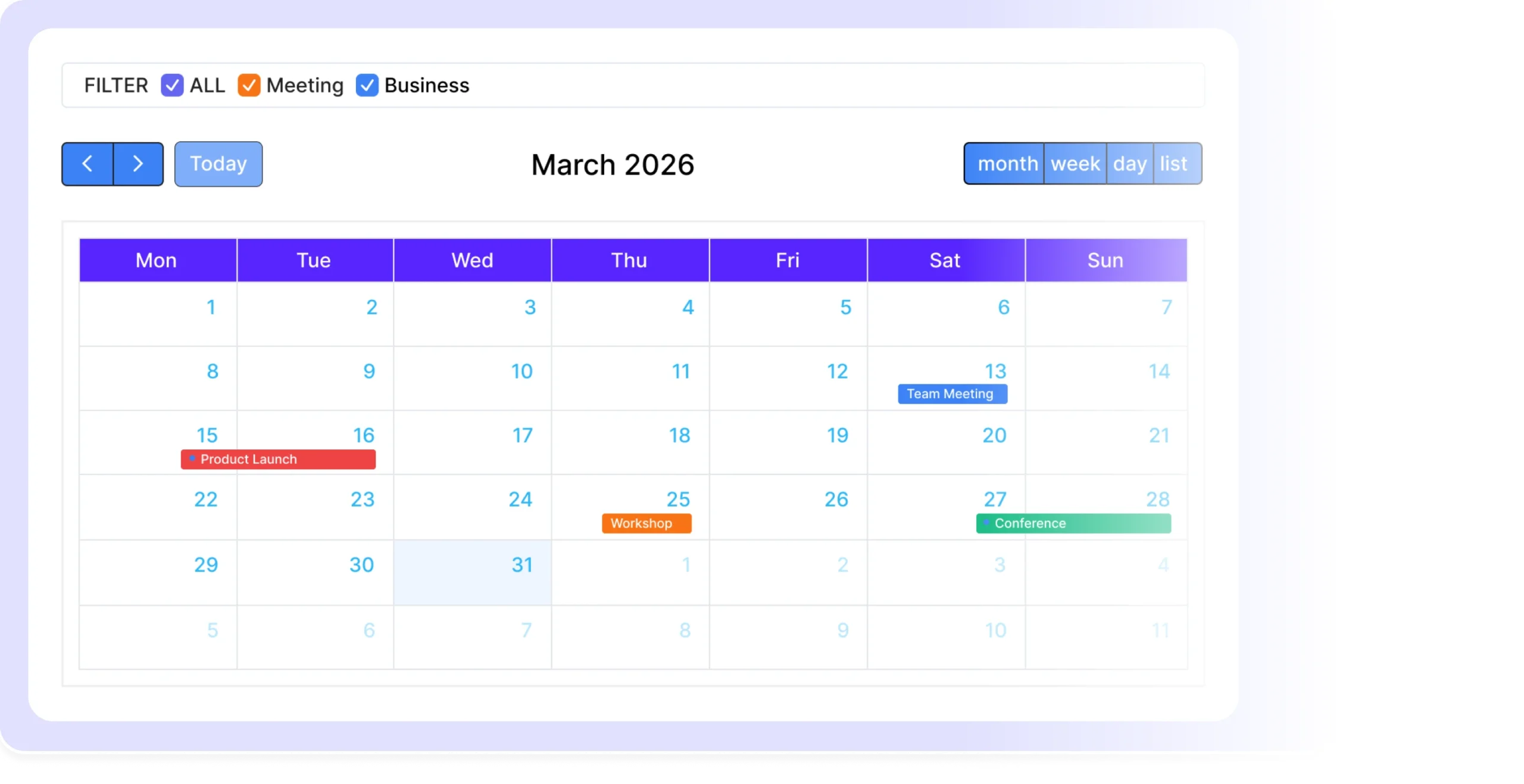
Static date tables lose context. Divi Events Calendar gives you a live, navigable calendar with color-coded events, filters, and multiple views.
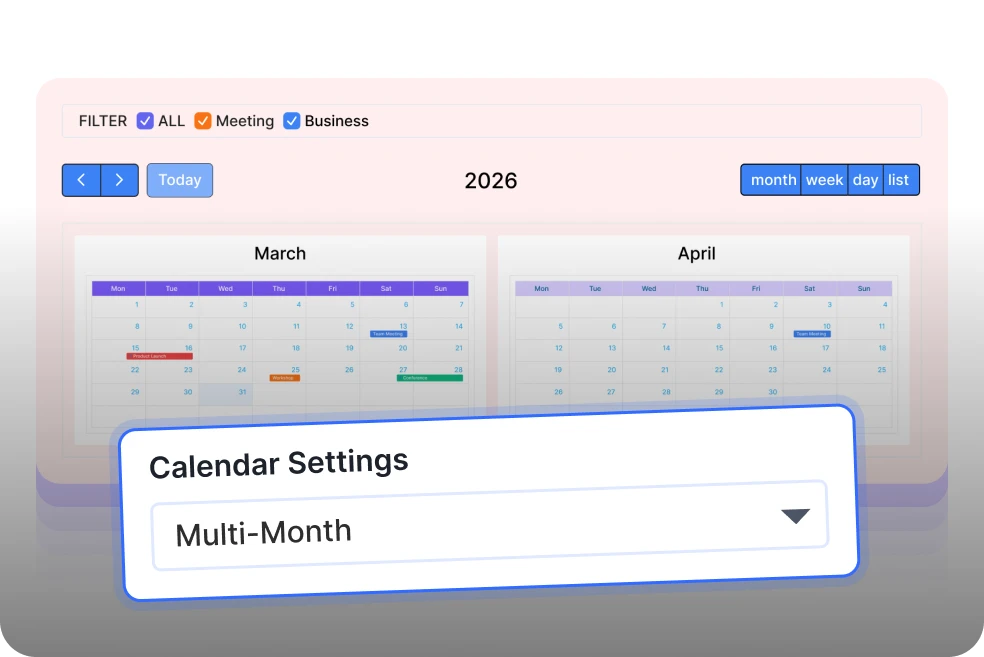
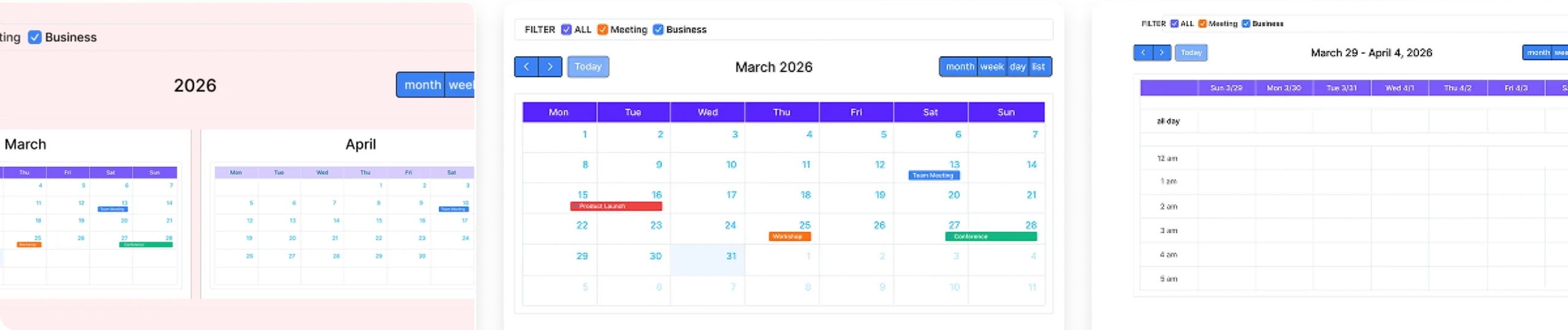
Five Calendar Views
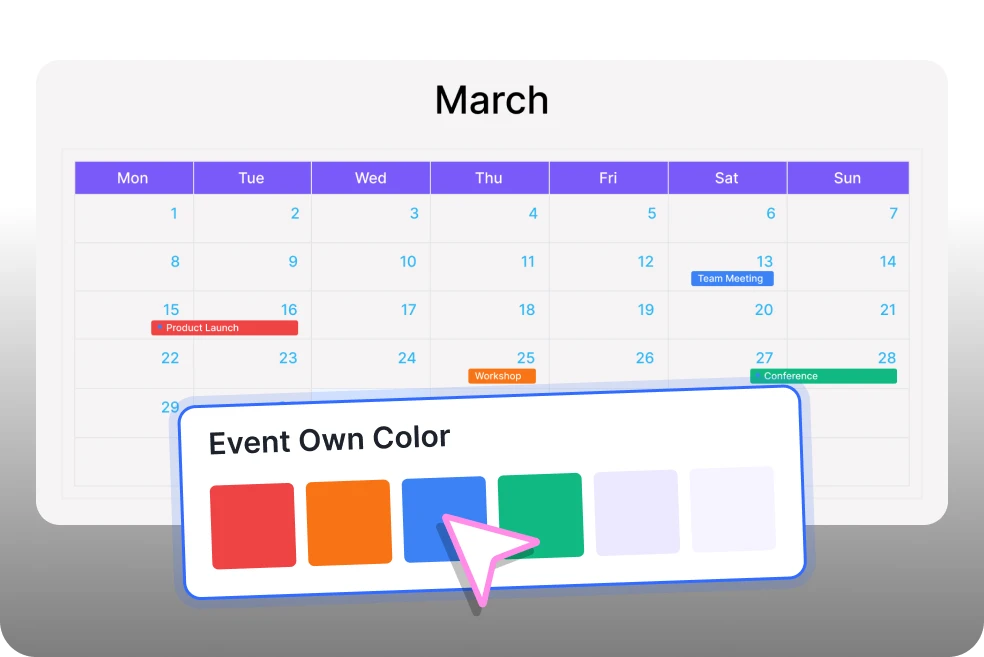
Color Coded Categories
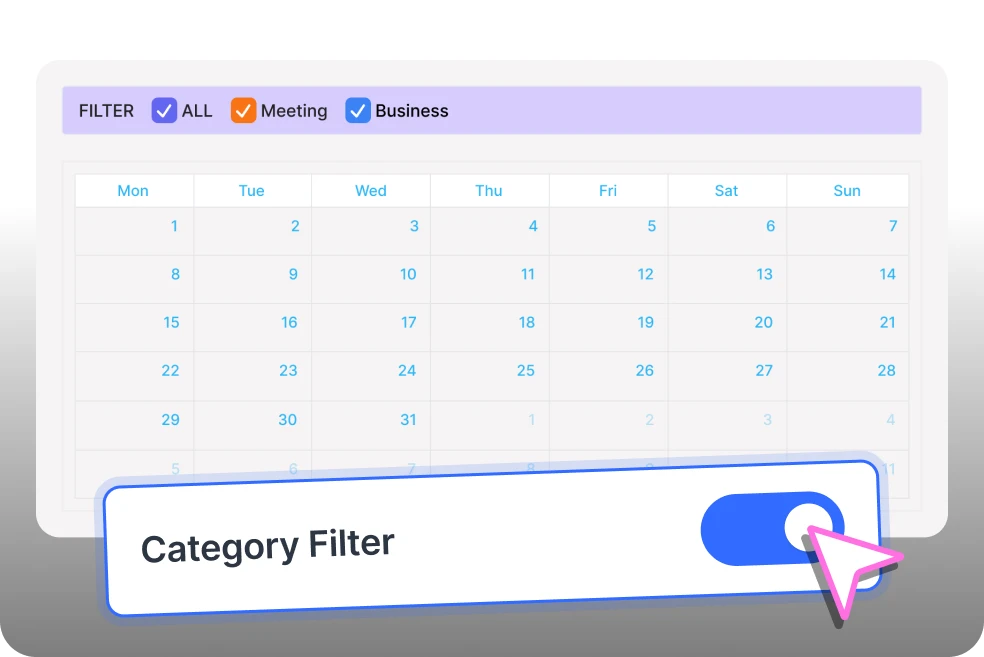
Built In Category Filter
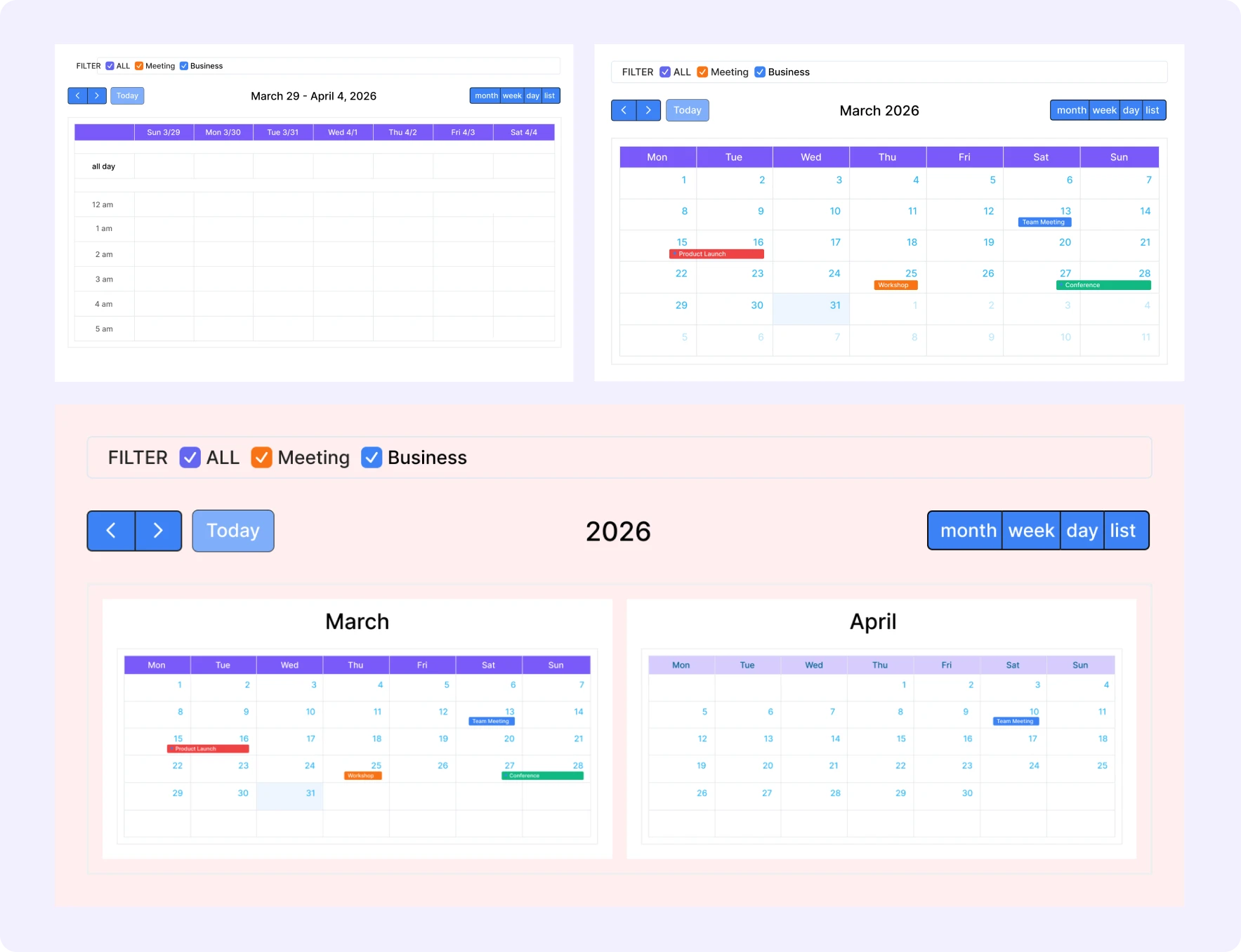
Flexible Calendar View Control
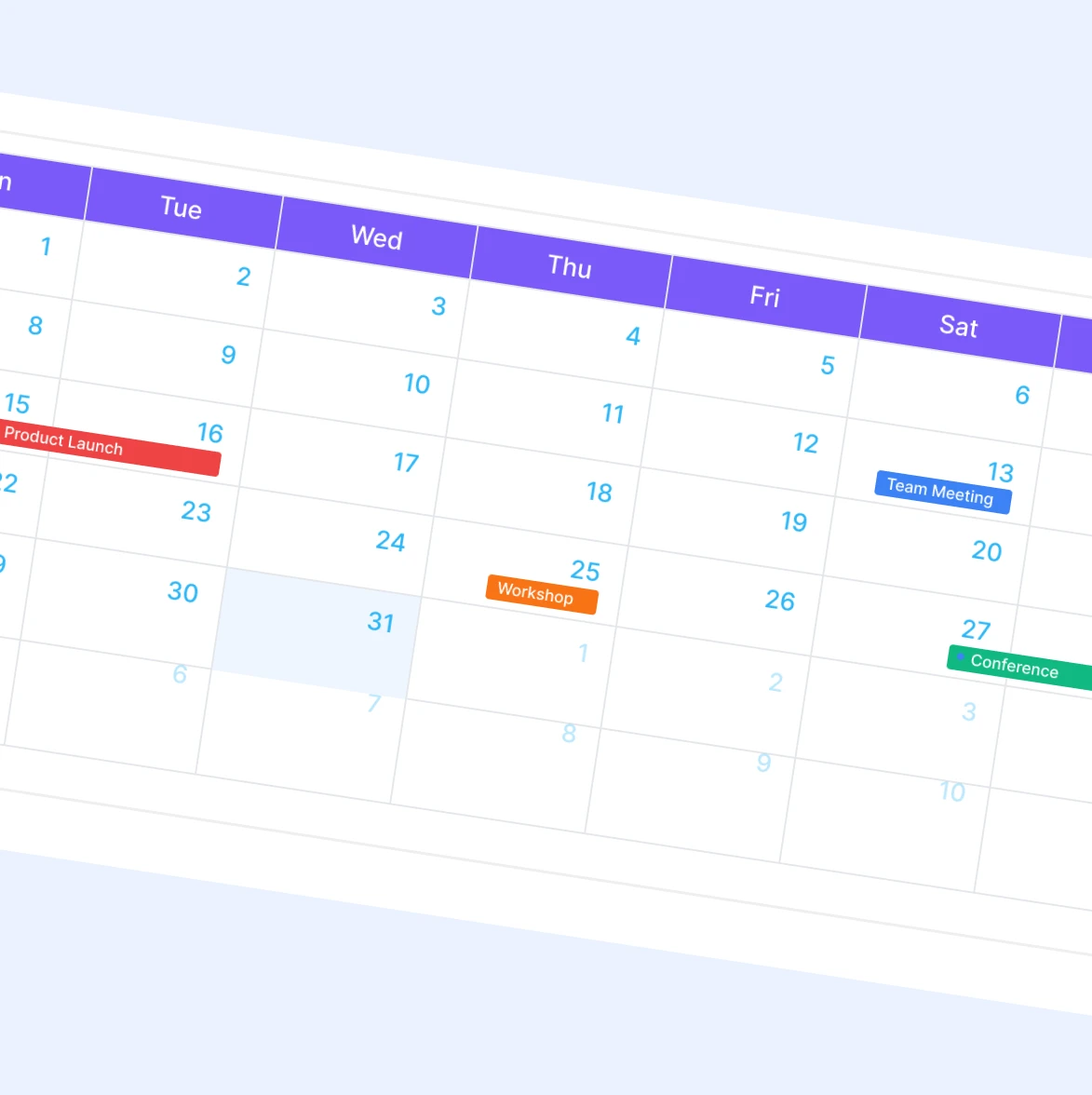
Per Event Color and Appearance
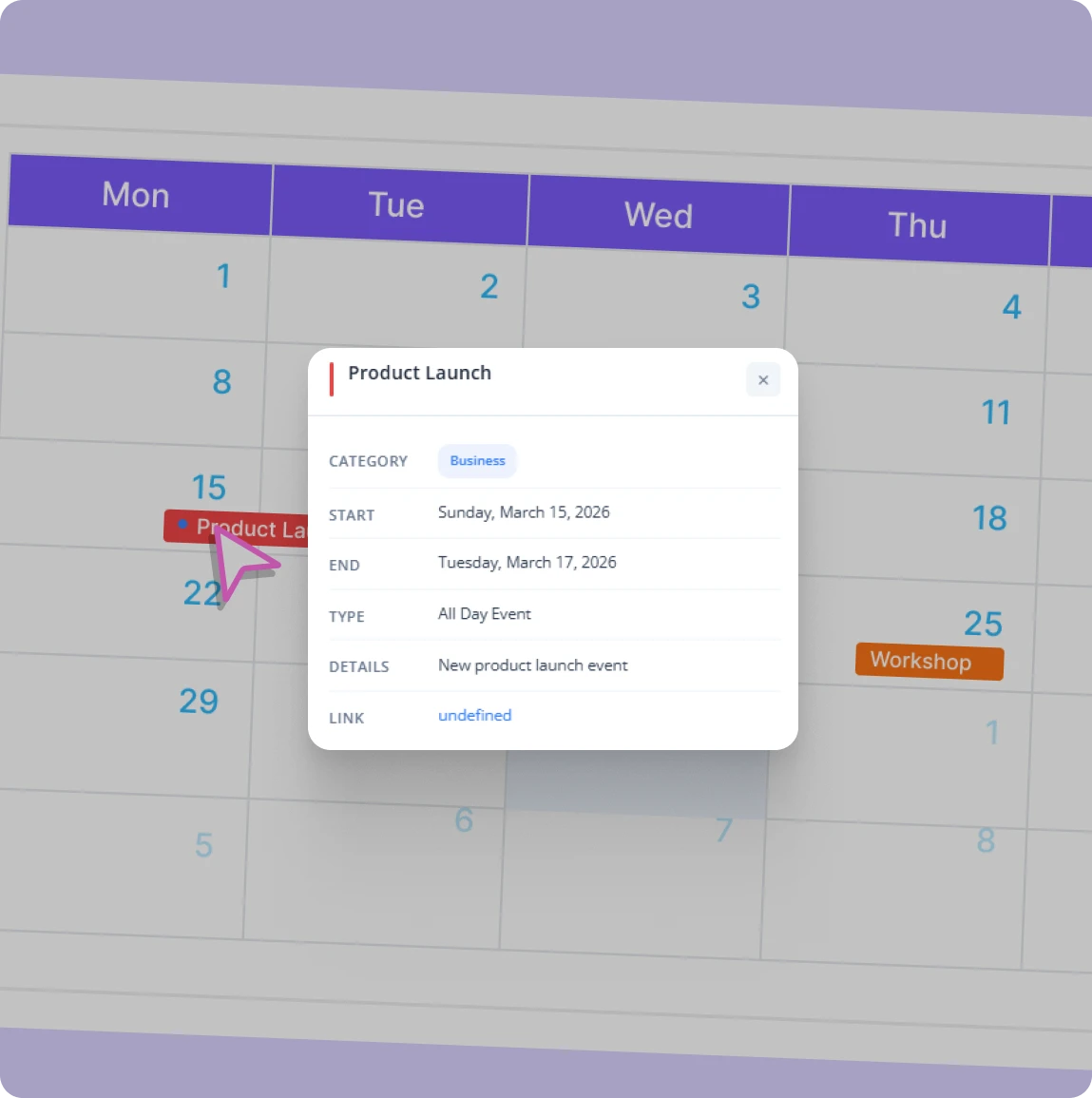
Event Modal With Full Details
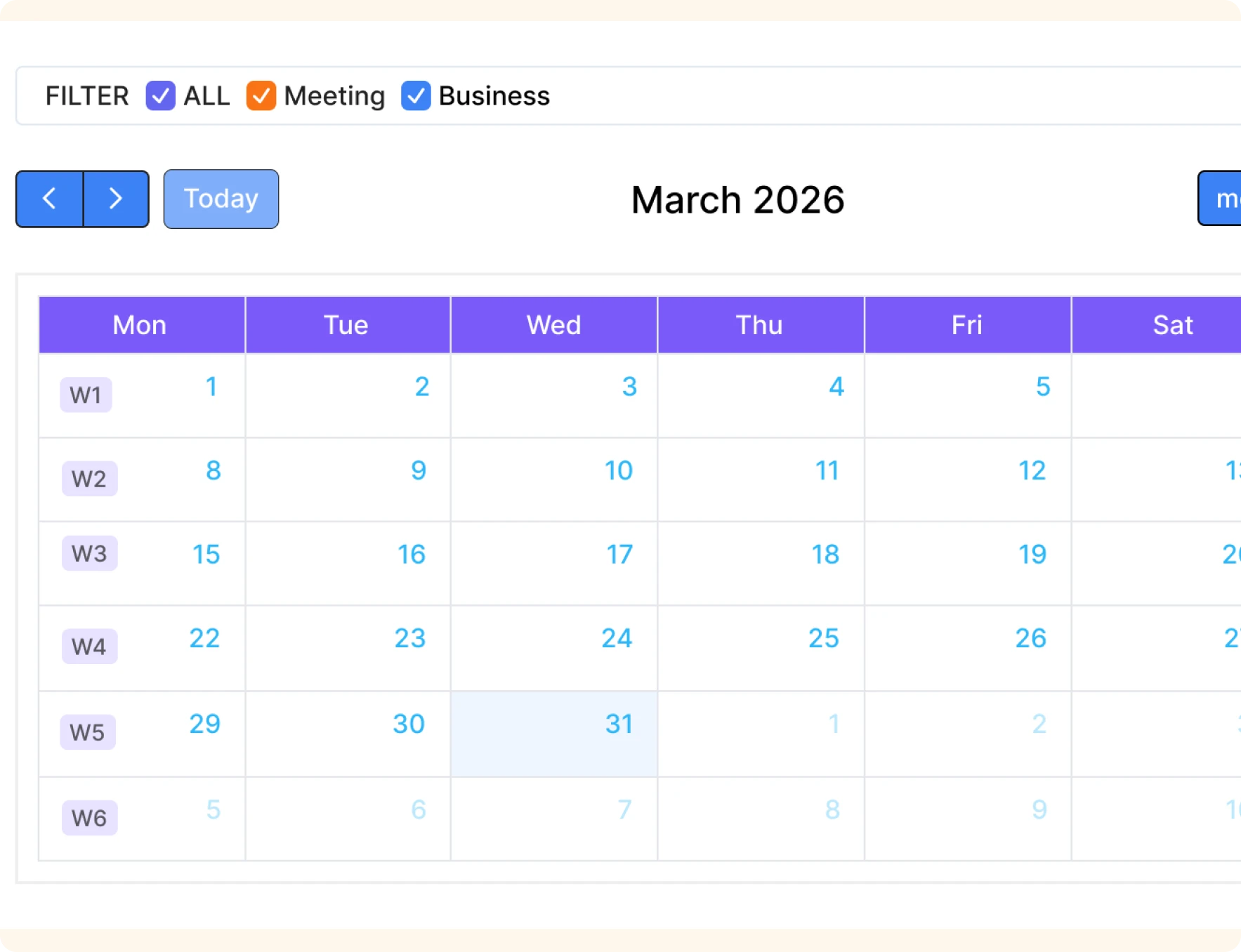
Week Numbers and Hidden Days

Install Divi Essential and activate your license key.

Drop the Divi Events Calendar module onto your Divi page.

Add events, set dates, assign categories, and publish.
Put a Live Events Calendar on Any Divi Page Today.
Frequently Asked Questions
Do you have any questions or concerns? Here is a list of frequently asked questions and their answers that might be helpful.
Divi Essential Help Center or Contact Us.
Do I need a third party plugin to use this module?
No. Divi Events Calendar is fully self-contained inside Divi Essential. You add events directly from the builder without installing any extra calendar plugins.
What calendar views are available?
You get five views: Month, Week, Day, List, and Multi-Month. Set any one as the default and visitors can switch views live using the header toolbar.
Can I color code events by category?
Yes. Each event has its own background and text color. Assign categories to group related events and let visitors filter them easily.
What information does the event modal show?
The modal displays the event title, category label, start and end date, and time. Style the modal background, title color, text color, overlay, and border radius fully.
Can I hide certain days of the week from the calendar?
Yes. The Hidden Days field lets you remove specific weekdays from the calendar view. Useful for businesses that only operate Monday through Friday.
Is the calendar height adjustable?
Yes. Use the Calendar Size height slider to set the exact pixel height for the calendar container. The default is 600px and adjusts to suit any section layout.
✨ More Ways to Enhance Your Divi Experience

Data Table

Table of Contents
Create stunning scrolling text effects with masking options & animation effect.

Text Marquee
Create stunning scrolling text effects with masking options & animation effect.

Divi Scroll Stacking Cards
Captivate visitors with scroll-triggered card stacks for features & portfolios.
