
Divi Post Grid is a WordPress solution for Divi. Create blog layouts with card, overlay, horizontal styles, category filters, and full pagination—no code needed.
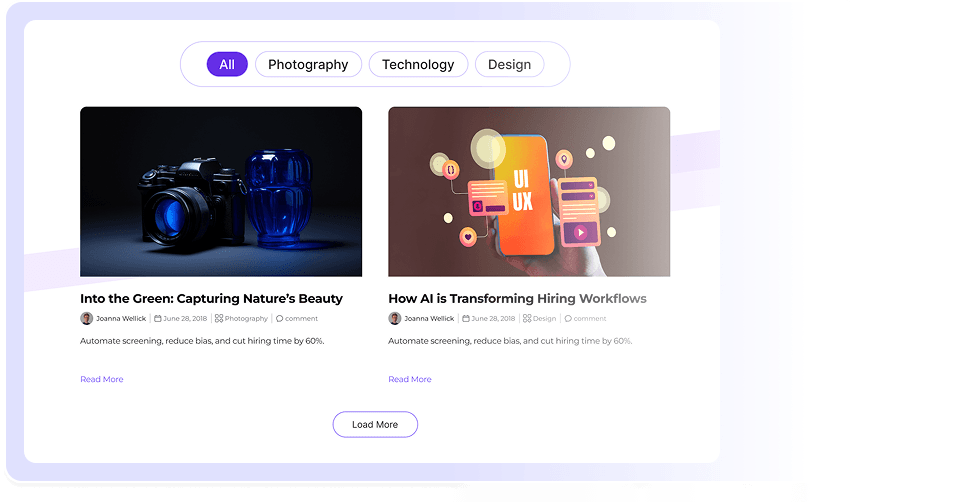
Divi Post Grid gives your WordPress posts structure with clean layouts, live category filter, and full Divi builder control.
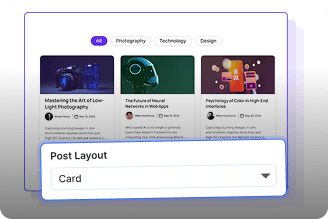
Three Post Layout Styles
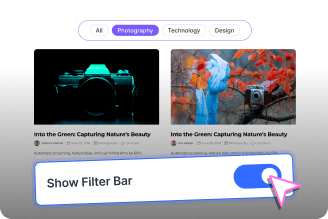
Built In Category Filter
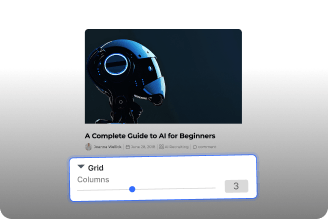
Full Column and Spacing Control
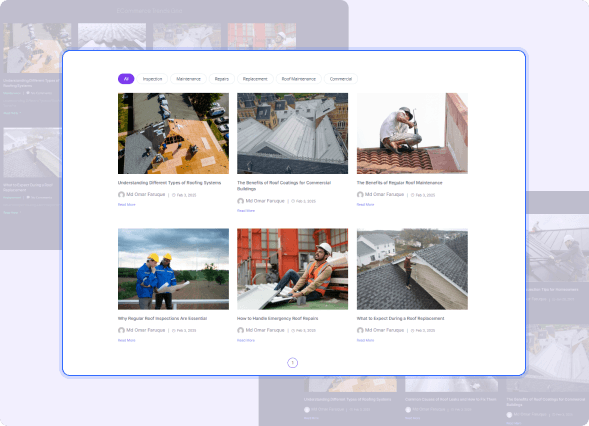
Three Layouts, One Post Grid Module
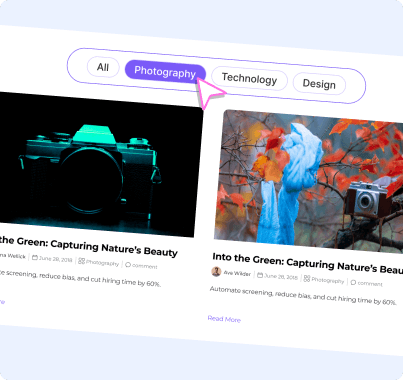
Category Filter and Post Control
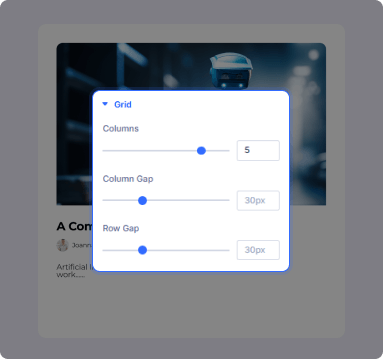
Columns, Spacing, and Grid Design
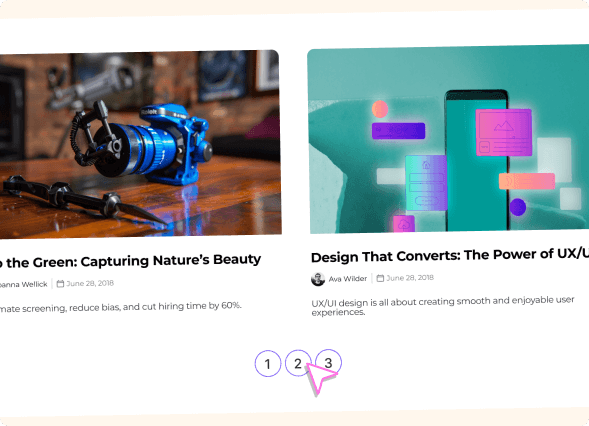
Pagination Built Into Every Grid

Install Divi Essential and activate your license key.

Drop the Post Grid module onto your Divi page layout.

Choose your layout style, add posts, and hit publish.
Your Posts Deserve More Than a Plain List
Frequently Asked Questions
Do you have any questions or concerns? Here is a list of frequently asked questions and their answers that might be helpful.
Divi Essential Help Center or Contact Us.
Do I need a separate plugin to display a WordPress Post Grid?
No. Divi Post Grid is built entirely inside Divi Essential. You configure your Post Grid module directly from the Divi builder without installing any additional plugins.
What layout styles does the Post Grid module offer?
Three layouts are available: Card, Overlay, and Horizontal. Each one changes how the post image, title, excerpt, and meta information are arranged across your Divi Blog Layout.
How does the category filter work in Divi Post Grid?
Yes, Enable the category filter bar so visitors can sort posts by category. You control which categories appear.
How do I control posts' appearance in WordPress Post Grid?
Control how posts appear in a WordPress Post Grid by using the Post Count to set how many posts show and Post Offset to skip posts at the start. Both options are in the Content tab in Divi.
What pagination options does Divi Post Grid support?
Load More, Numbered, Infinite Scroll, and None are all available. Each one changes how visitors move through your Divi Blog Layout and is set from the Pagination section.
Can I style images inside each card of the Post Grid module?
Yes. Control image width, height, border radius, object fit, and hover effect from the Design tab. Choose Cover or Contain to keep images consistent across every post card.
✨ More Ways to Enhance Your Divi Experience

Divi Scroll Stacking Cards
Captivate visitors with scroll-triggered card stacks for features & portfolios.

Text Marquee
Create stunning scrolling text effects with masking options & animation effect.

Data Table

Table of Contents
Create stunning scrolling text effects with masking options & animation effect.
