
Stream your latest posts, announcements, or promotions across any Divi page with smooth animated tickers. Highlight important updates, capture attention instantly, and drive more clicks to your content.
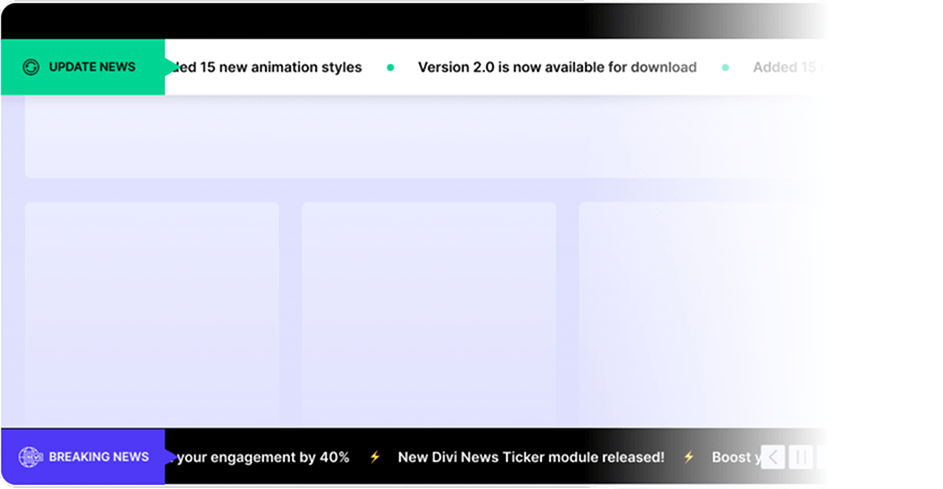
Bring your content front and center with a scrolling news ticker. Pull live posts, style every element, and animate headlines your way.

Live Post Streaming
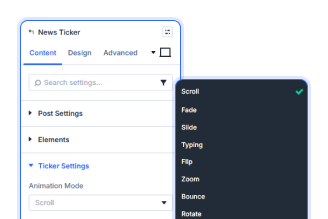
15+ Animation Modes
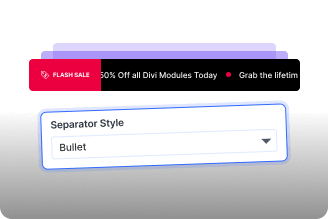
Full Element Control
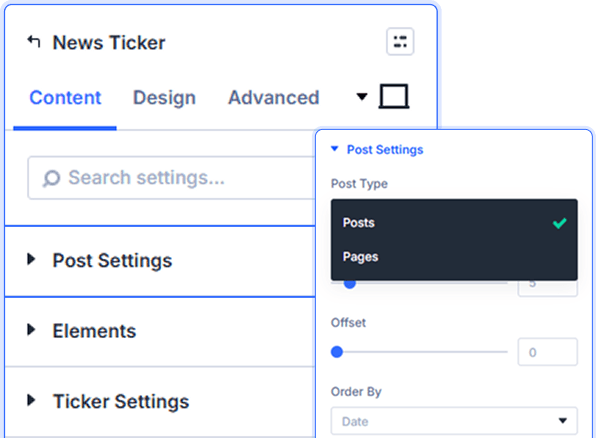
Smart Post Pulling With Full Sort Control
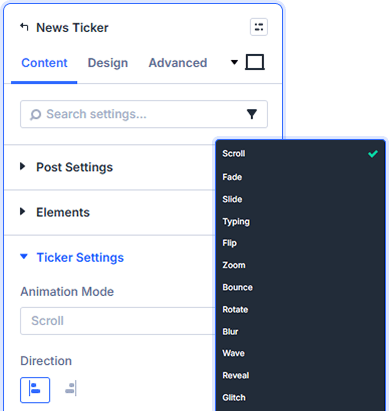
15 Animations To Match Any Page Mood
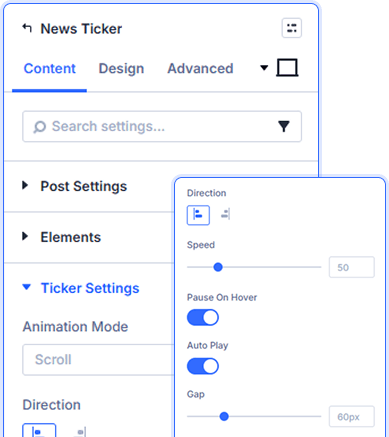
Speed, Direction & Autoplay Controls
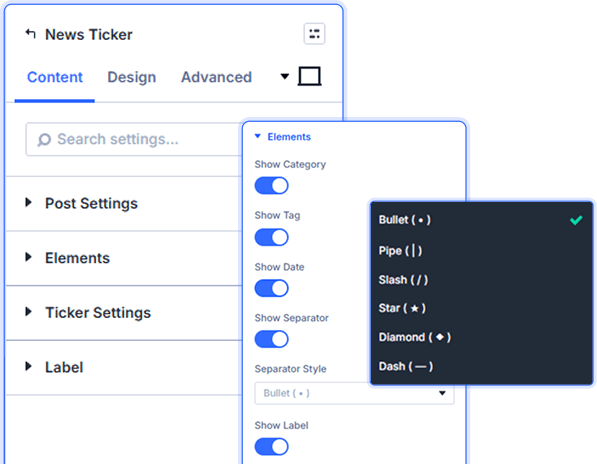
Five Separator Styles, Six Display Toggles
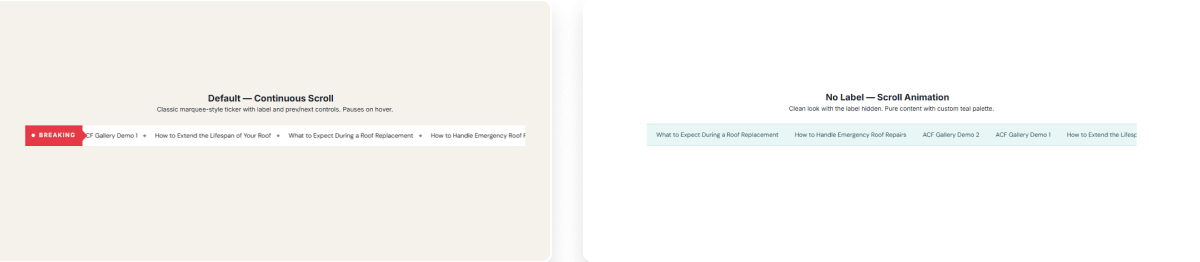

Install Divi Essential and activate your license key.

Drop the News Ticker module and select your post source.

Pick your animation mode, set your speed, and publish.
Keep Visitors Hooked On Every Headline!
Frequently Asked Questions
Do you have any questions or concerns? Here is a list of frequently asked questions and their answers that might be helpful.
Divi Essential Help Center or Contact Us.
Which post types can the ticker pull from?
The module supports Posts and Pages. Set count, offset, and sort order to control exactly which content surfaces in the ticker.
How many animation modes does the module offer?
Sixteen in total — Scroll, Fade, Slide, Typing, Flip, Zoom, Bounce, Rotate, Blur, Wave, Reveal, Glitch, Swing, Cube, Newspaper, and Drop.
Can I pause the ticker when visitors hover over it?
Yes. Enable Pause On Hover in Ticker Settings to stop scrolling whenever a visitor interacts with the ticker.
Can I control the scroll direction of the ticker?
Yes. Switch between left-to-right and right-to-left directions from the Ticker Settings direction control.
Can I style the category and tag badges separately?
Yes. The Design tab has dedicated typography panels for Category Badge and Tag Badge — font, weight, color, size, spacing, and shadow each.
Is there a progress bar available for the ticker?
Yes. The Progress Bar design panel lets you set background color, active color, and height to show item progression visually.
✨ More Ways to Enhance Your Divi Experience

Divi Solar Orbit
Present skills or features in a dynamic orbit-style rotating layout.

Divi Time Count Down
Build urgency with customizable countdown timers for sales & events.

Event Calendar
Showcase upcoming events in a clean, organized, and interactive calendar.

Divi Text Marquee
Create scrolling text announcements with smooth animations & custom icons.
