
Create interactive video galleries in grid or masonry layouts with lightbox playback and category filters. Divi Video Gallery keeps visitors engaged and makes video content more discoverable.
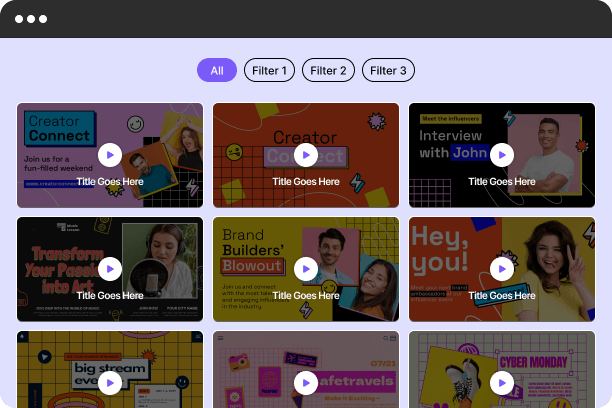
Dump the default embeds. Divi Video Gallery turns your video content into a filterable, lightbox-powered showcase — with hover effects, overlay text, and autoplay built right in.
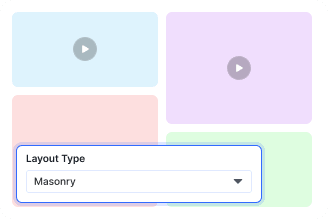
Grid And Masonry Layouts
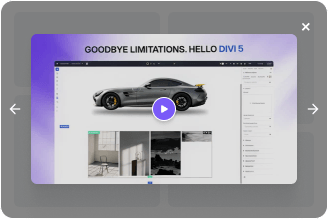
Lightbox With Autoplay
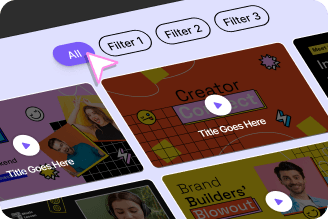
Category Filter Built In
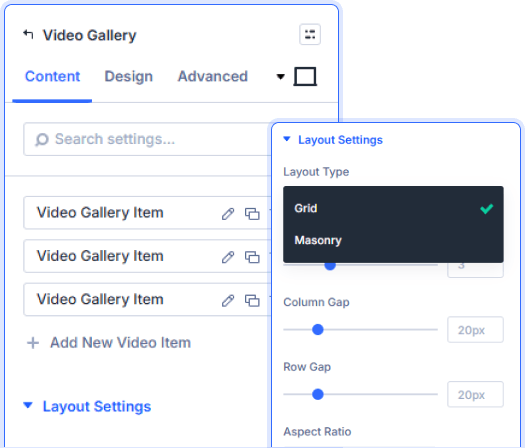
Grid, Masonry, And Five Aspect Ratios
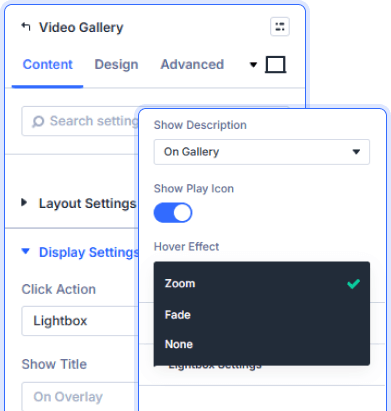
Zoom Or Fade. Overlay Or Below.
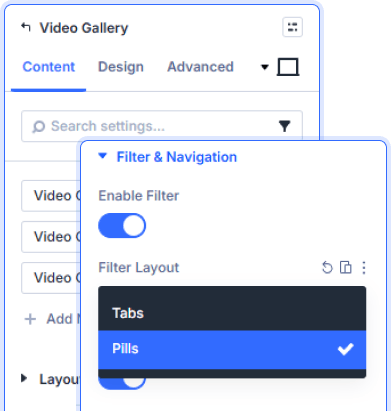
Tabs Or Pills. Your Videos, Sorted.
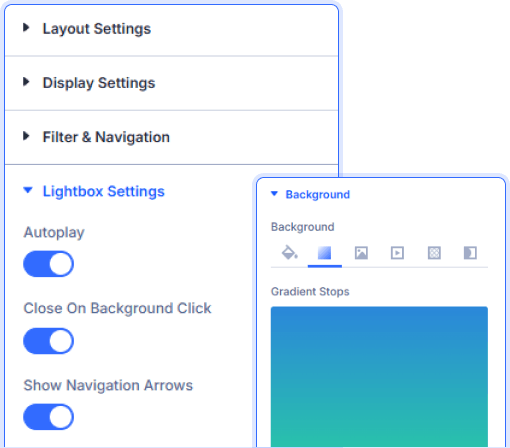
Autoplay, Arrows, Background Close

Install Divi Essential and create an ACF Gallery field in your post type.

Add the Video Gallery module and upload your videos.

Set layout, enable filters, configure lightbox, and publish.
Give Your Videos
the Stage They Deserve!
Frequently Asked Questions
Do you have any questions or concerns? Here is a list of frequently asked questions and their answers that might be helpful.
Divi Essential Help Center or Contact Us.
What layout options does the Video Gallery offer?
Grid and Masonry — both with adjustable column count, column gap, row gap, and five aspect ratio presets to keep every thumbnail consistent.
How does the lightbox work when a video is clicked?
ideos open in a full-screen lightbox with optional autoplay, previous and next navigation arrows, and close-on-background-click enabled from Lightbox Settings.
Can visitors filter videos by category?
Yes. Enable the filter bar and choose between Tabs or Pills layout with a custom label for the show-all button — no page reload needed.
Where can the video title and description appear?
On the gallery card, on the hover overlay, on both simultaneously, or hidden entirely — controlled per module from Display Settings.
What hover effects are available on video thumbnails?
Three — Zoom, Fade, or None. The play icon size and color are styled independently from the Design tab.
Can I style the active filter tab separately from the rest?
Yes. Filter Active Item has its own background color, border radius, and border styling — making the selected category visually distinct at a glance.
✨ More Ways to Enhance Your Divi Experience

Divi Text Marquee
Create scrolling text announcements with smooth animations & custom icons.

Divi Time Count Down
Build urgency with customizable countdown timers for sales & events.

Divi Interactive Circle
Showcase features in stunning circular layouts with interactive animations.

Divi Scroll Stacking Cards
Captivate visitors with scroll-triggered card stacks for features & portfolios.
