
Stop listing skills in plain text. Use animated bars, circular gauges, custom icons, and four layout modes to turn any portfolio or resume into engaging proof of expertise using divi skill bars.
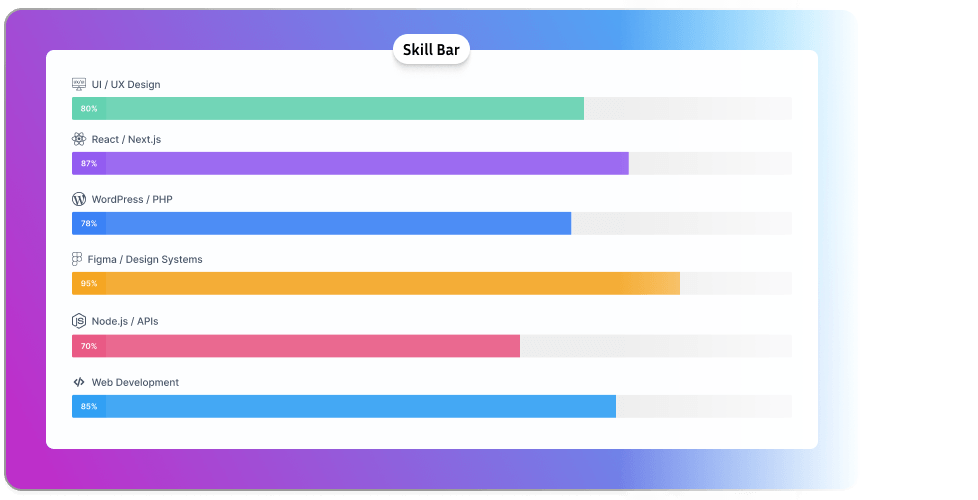
Visitors decide credibility in seconds. Give them animated, color-coded, icon-labeled skill visuals not a bulleted list they'll forget before they scroll past it.
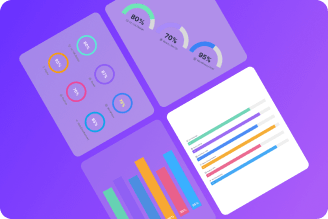
Four Layout Modes
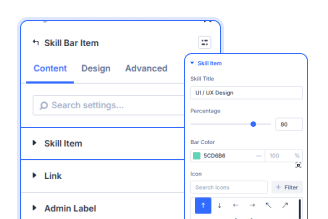
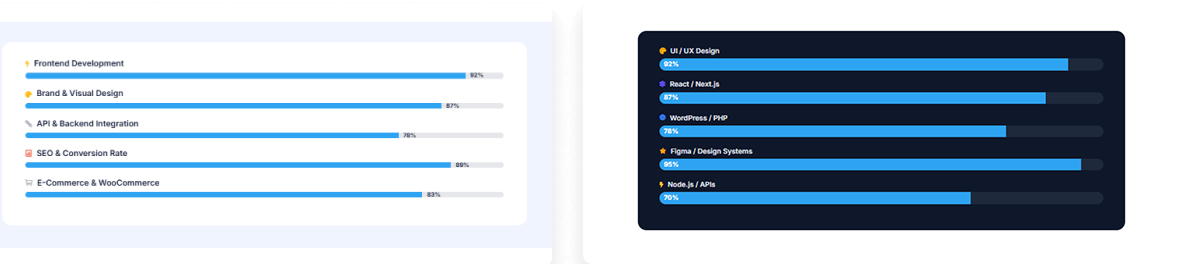
Every Bar Is Unique
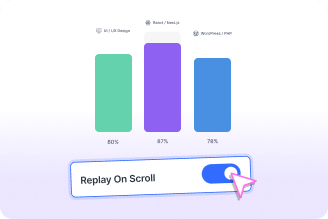
Fills On Every Scroll
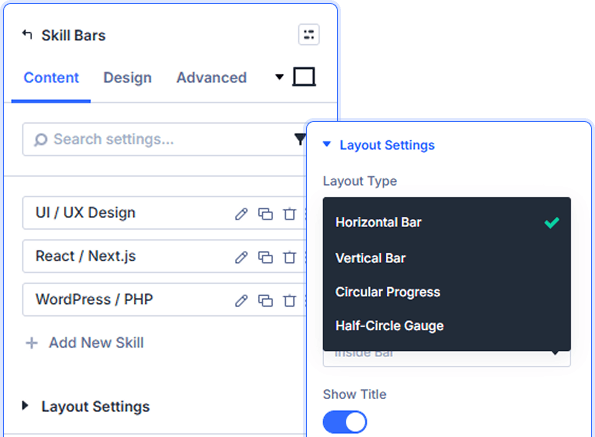
Horizontal, Vertical, Circular, Half-Circle
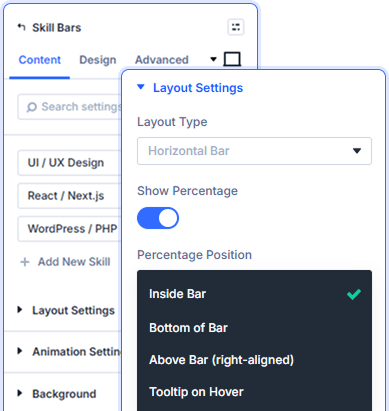
Show Numbers On Your Terms
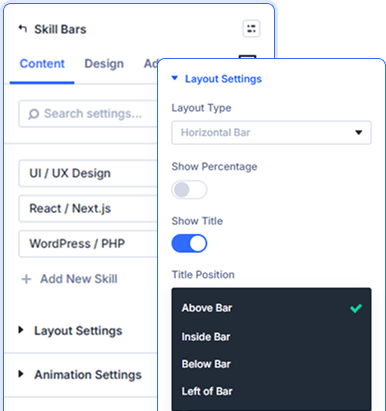
Labels That Work With Your Layout
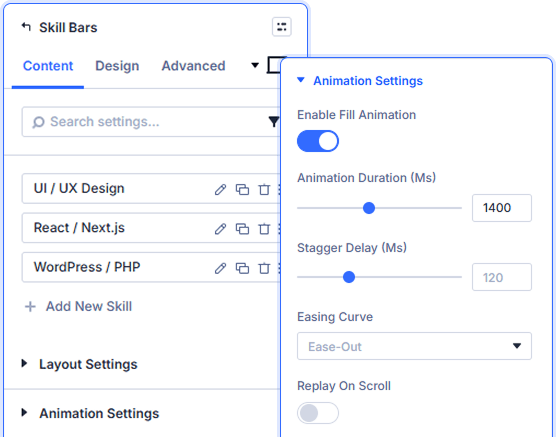
Built-In Stagger That Feels Hand-Crafted

Install Divi Essential and activate your license key.

Add the Skill Bars module and enter your skills.

Set colors, pick a layout, configure animation, publish.
Your Skills Deserve Better Than Plain Text!
Frequently Asked Questions
Do you have any questions or concerns? Here is a list of frequently asked questions and their answers that might be helpful.
Divi Essential Help Center or Contact Us.
Which layout types does the module support?
Horizontal Bar, Vertical Bar, Circular Progress, and Half-Circle Gauge — each one a completely different visual approach to the same skill data.
Can every skill bar look different from the others?
Yes color, icon, and percentage value are set individually per item so each skill can have its own distinct visual identity.
Where does the percentage number appear?
Inside the fill, right of the bar, above right-aligned, or only on hover as a tooltip. Pick whichever approach suits the layout best.
How granular is the animation control?
Fill duration, stagger delay between bars, and easing curve are all independently adjustable, Ease-Out, Ease-In-Out, Linear, or Bounce.
Will the animation replay on scroll?
Enable Replay On Scroll and every scroll into the section re-triggers the staggered fill — the visual impact never goes flat on repeat visits.
How are icons styled across all skill items?
Size, color, position relative to the title, and spacing are set once in the Design tab and apply globally across every bar in the module.
✨ More Ways to Enhance Your Divi Experience

Divi Text Marquee
Create scrolling text announcements with smooth animations & custom icons.

Divi Time Count Down
Build urgency with customizable countdown timers for sales & events.

Divi Interactive Circle
Showcase features in stunning circular layouts with interactive animations.

Divi Scroll Stacking Cards
Captivate visitors with scroll-triggered card stacks for features & portfolios.
